Pipes Widget
A widget for displaying and managing connected accounts with Pipes.
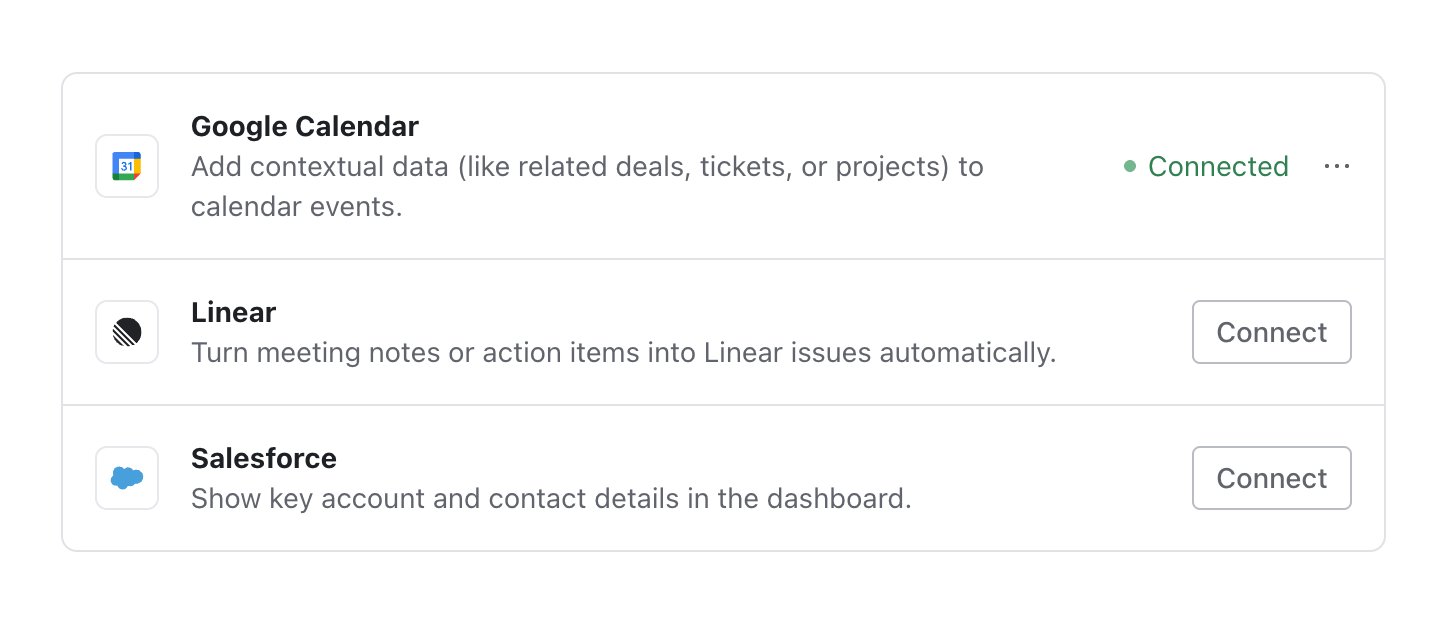
The <Pipes /> widget allows users to manage their connections to third-party
providers. Users can view the available providers, connect their
accounts, reauthorize when needed, and disconnect
their accounts.
Read more in the Pipes guide.
| import { Pipes, WorkOsWidgets } from '@workos-inc/widgets'; | |
| /** | |
| * @param {string} authToken - A widget token that was fetched in your backend. See the | |
| * "Tokens" section of this guide for details on how to generate the token | |
| */ | |
| export function PipesPage({ authToken }) { | |
| return ( | |
| <WorkOsWidgets> | |
| <Pipes authToken={authToken} /> | |
| </WorkOsWidgets> | |
| ); | |
| } |
| import { useAuth } from '@workos-inc/authkit-react'; | |
| import { Pipes, WorkOsWidgets } from '@workos-inc/widgets'; | |
| export function PipesPage() { | |
| const { isLoading, user, getAccessToken } = useAuth(); | |
| if (isLoading) { | |
| return '...'; | |
| } | |
| if (!user) { | |
| return 'Logged in user is required'; | |
| } | |
| return ( | |
| <WorkOsWidgets> | |
| <Pipes authToken={getAccessToken} /> | |
| </WorkOsWidgets> | |
| ); | |
| } |
By default the widget renders every integration the organization has enabled. The filter prop narrows which of those are displayed, so a page can mount several <Pipes /> instances, each scoped to a subset – for example, one instance per integration, under its own heading and description.
Filtering is display-only. Every instance still fetches the same full set of enabled integrations in a single shared request, and filter only controls which rows are rendered. A filter that matches nothing renders an empty widget.
Pass an object with any of slugs, integrationTypes, or authMethods. Provided criteria are combined with AND, and an omitted criterion is ignored. An integration that doesn’t declare authMethods is treated as oauth.
Because the object is serializable, this is the form to use when the widget is rendered from a React Server Component.
To filter on any other field – such as whether the user is currently connected – pass a function that receives a DataIntegration and returns whether to render it.
Functions can’t be serialized across the server/client boundary, so a predicate has to be defined in client code. If the surrounding page is a Server Component, wrap the widget in your own "use client" component that owns the predicate and receives only serializable props, such as the auth token.
When an organization administrator has connected a provider on behalf of the
whole organization, the widget can show that shared connection to members. Opt
in with the enableSharedConnections prop; it defaults to false, and omitting
it preserves the existing requests and rendering.
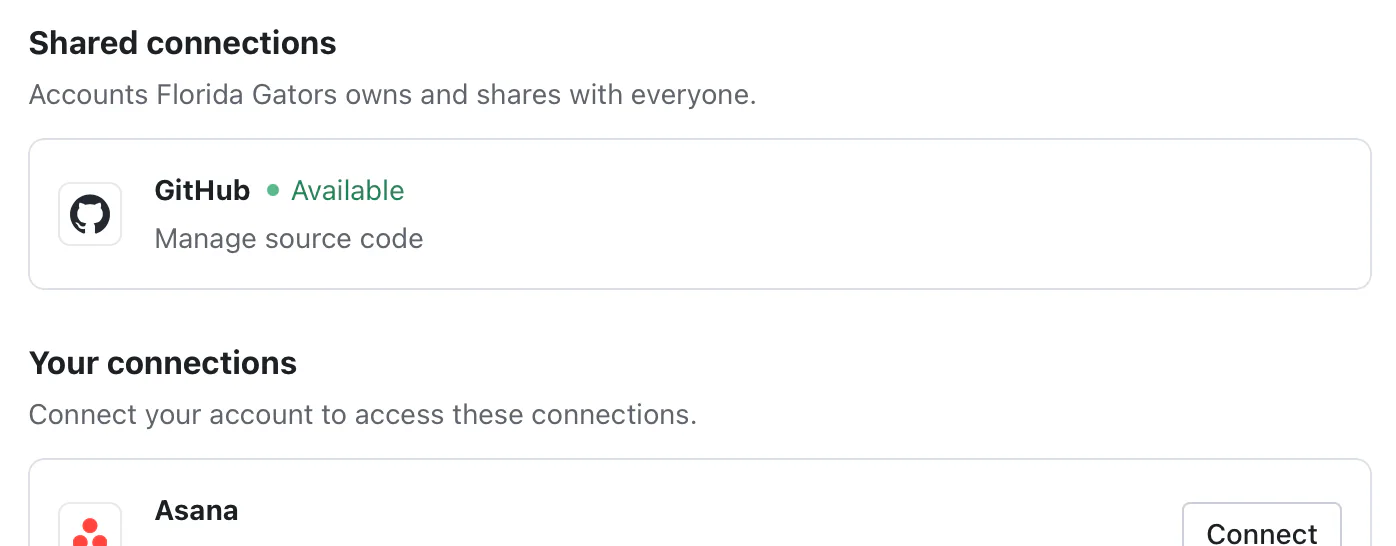
With the prop set, the widget renders a Shared connections section above Your
connections. Shared rows are read-only: members can see that the provider is
connected for their organization but connect, rotate, and disconnect actions
live in the Pipes Admin widget. A provider that offers
both a user-owned and an organization-owned integration appears in both
sections. The filter prop applies to both
sections, so a filtered instance narrows shared and personal connections alike.
See the connection sharing guide for the full
model.
The token used to authenticate the widget. Learn more about authorization tokens.
Narrows which of the organization's enabled integrations are rendered. Accepts either serializable criteria—slugs, integrationTypes, and authMethods, combined with AND—or a predicate that receives a DataIntegration and returns whether to render it. A predicate must be defined in client code, as functions can't cross the server/client boundary. Omitting the prop renders every enabled integration.
Renders the organization's shared connections in a Shared connections section above the user's own connections. Defaults to false; omitting the prop preserves the existing requests and rendering.