Introducing Atlas, your AI coworker
Atlas works alongside your team in Slack to answer questions, automate tasks, and help everyone do their best work.


.jpg)




Today we’re launching Atlas, an AI teammate that works alongside your team in Slack.
Atlas can answer questions, prepare you for a customer call, catch you up after time off, investigate a regression, onboard a new hire, handle the follow-up work, and more. Mention @Atlas in any channel, thread, or DM and it starts with the context your team already shares.
We originally built this for ourselves at WorkOS, but we found it to be so valuable that we want others to have the same capabilities. Starting today, anyone can sign up and use it.

Most AI tools live in private conversations. Atlas works in the open where your team works: Slack.
Teammates can add context, correct an answer, and continue the work together. Atlas learns your organization’s shorthand, priorities, processes, and people from the conversations already happening in Slack. Correct it once, and the correction sticks.
Team agents
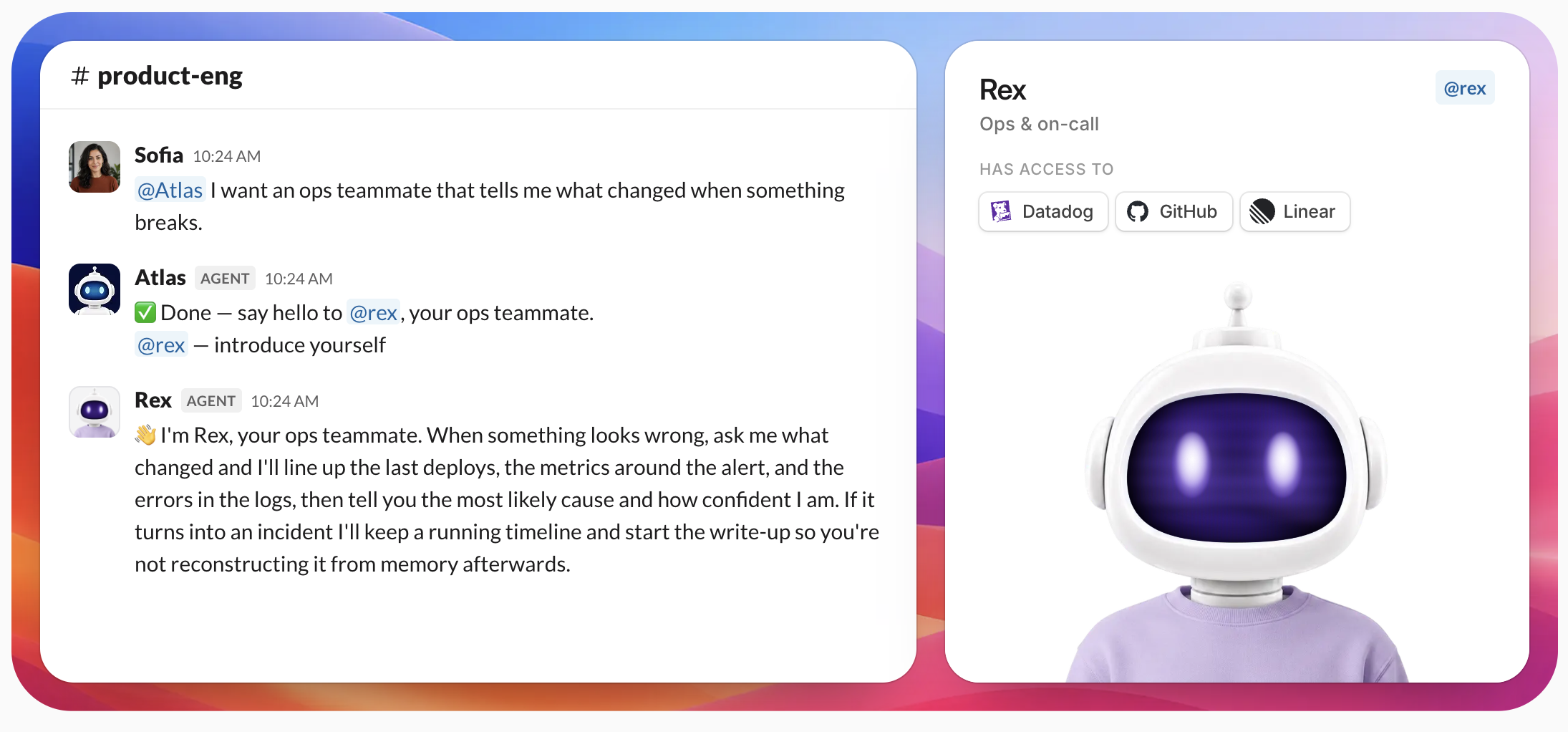
One of the most powerful features in Atlas is custom agents. Each one has its own instructions, skills, memory, integrations, and @-name, so you talk to it the way you'd talk to a coworker.
An agent in Atlas has a handle, a display name, and an optional avatar. You address it by mention (@gtm, @oncall, whatever you name it) and it replies in the thread under its own name and picture. Its behavior comes from instructions you write: its role, what it's responsible for, how it works, and how it sounds.
That's the whole mental model. An agent is a named teammate with a job description, sitting in the channels where the work already happens.
Getting started
- Go to atlas.workos.com/install and add Atlas to Slack.
- Connect your WorkOS account or create one.
- Add @Atlas to channels, group conversations, and direct messages.
Then try creating your first custom agent. It can be something to help new hires onboard, like how a support escalation gets triaged, or which dashboard shows your weekly product growth. Describe the job, give the agent a name, and choose which tools it can access. Then mention it in Slack just like anyone else on the team.

Skills, memory, and integrations
Skills are reusable instructions shared across your organization. Each one has a title, a short description of when to use it, and the instructions themselves. Write the skill once and every agent that needs it can use it, instead of copy-pasting the same paragraph into five system prompts.
Memory lets an agent keep what it learns across conversations, so it doesn't restart from zero in every thread.
Integrations connect an agent to the tools your team already uses. Each person connects their own account, and can share that connection with the organization so agents and teammates aren't stuck waiting on whoever owns the login.
Atlas connects to more than 150 tools out of the box, plus anything with an API. It can work across your documents, tickets, code, customer systems, and internal tools to turn questions into answers and answers into action.
What an agent can and can't do
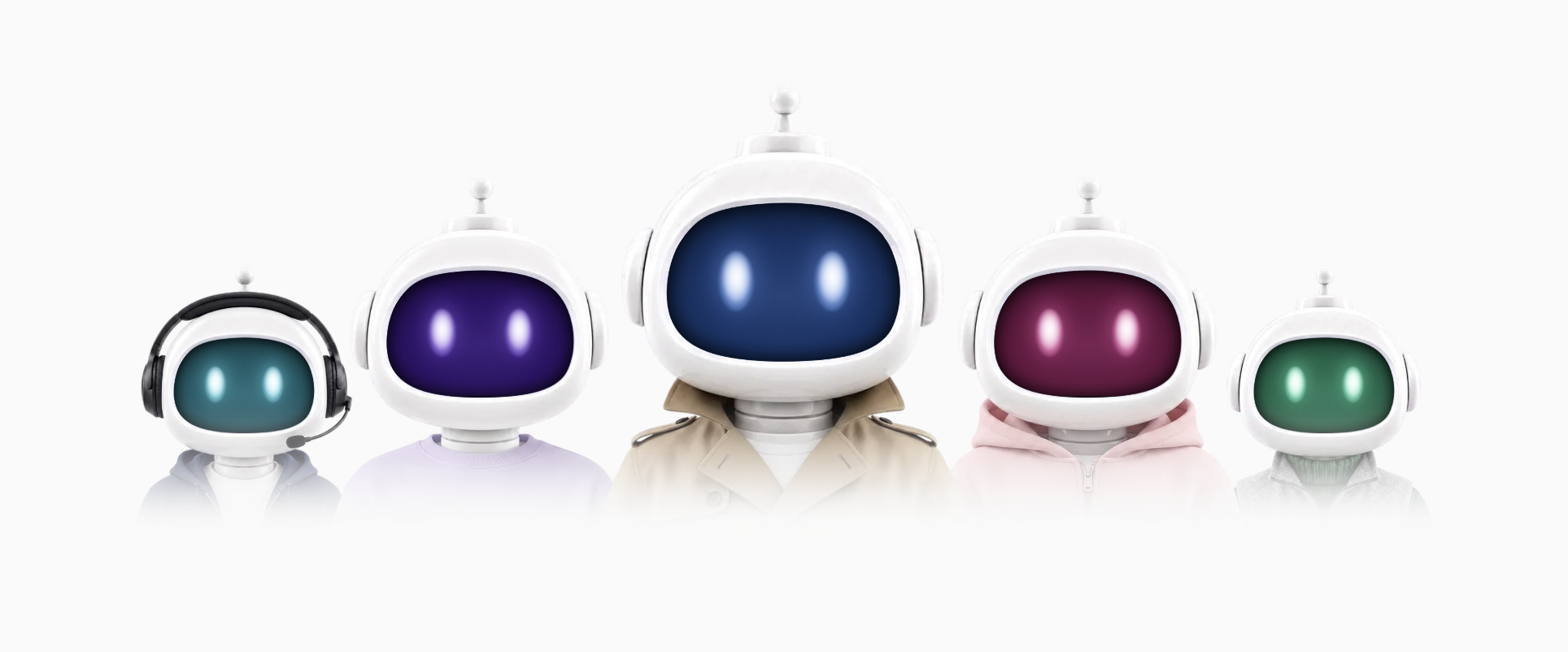
Every agent is scoped when you create it. You choose whether it can save files, whether it can write to memory, which integrations it's allowed to touch, and which workflows it can run. An agent only answers mentions inside its own organization, and only while it's active in Slack.
Some limits aren't yours to configure. Agents can't take display names that impersonate the platform or a privileged role, so workos, slack, admin, security, support, everyone, here, and channel are all reserved. An agent's instructions also can't override the platform's own rules about safety, secret handling, or which tools it may call. Anyone on your team can write agent instructions; those instructions decide the agent's job, and the platform limits hold either way.
Atlas is built on WorkOS and secure by default. Every request respects the permissions your organization already enforces. Agents have isolated memory, scoped integrations, server-side secrets, and audit logs. There is no standing superuser and no shadow copy of your company data.
Tell us what you think
Internally at WorkOS, we've already found Atlas to be an indispensable tool for getting things done. It has enabled multiple teams to accelerate their work, and unlocked new workflows we previously only imagined.
We're excited for you to try this. Please tell us what you think! We would love to hear what your agents do well, where they get confused, and which integration is missing.
Visit workos.com/atlas to get started and follow us on 𝕏 for more updates.