Generative UI for agents: Rhys Sullivan's MCP Night 4 lightning demo
Rhys Sullivan, founder of Executor, gave a lightning demo at MCP Night 4 on shipping generative UI to users from inside an agent. Using PostHog as the example, he walked through render UI, the execute tool, and Cloudflare's code mode pattern.
Recap of Rhys Sullivan's MCP Night 4 lightning demo: shipping generative UI from agents into products like PostHog using Executor and code mode.

Agents have a UI problem. Docs map cleanly to skills, and API calls map cleanly to tool calls or a CLI. There hasn't been a great agent equivalent for UI — and that's the gap Rhys Sullivan, founder of Executor, came to close in his lightning demo at MCP Night 4 on May 21.
The problem: agents are blind to your product's UI
Rhys framed it through the elements of a product: docs, API calls, and UI. There are specs around web apps, but nothing that lets an agent meaningfully render your product's interface back to the user.
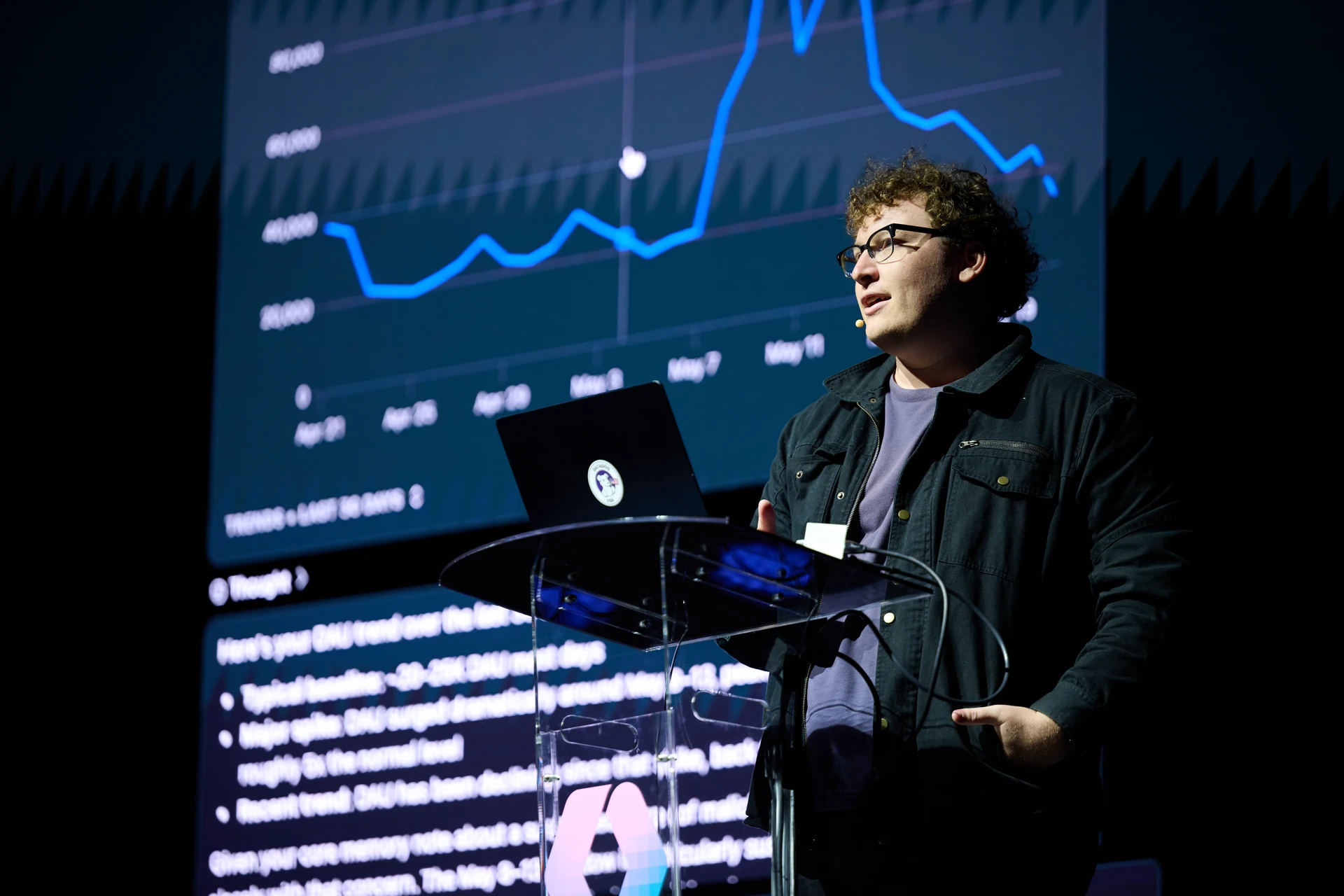
He showed the gap with PostHog. Ask the PostHog assistant "how many daily active users do I have?" and you get a real daily active user insight, complete with tooltips. Great experience — that Rhys admitted he never uses, because he lives in his coding agent and talks to PostHog through its MCP or open APIs.
So he asked a variant of the PostHog MCP, from his coding agent, about post-conf unique visitors this week. The agent ran the queries and answered the question — but with none of the visual elements that make the product itself useful. As software engineers we put a lot of work into communicating through UI components, and the agent throws all of that away.
render UI: deep-linking generative UI back into the product
Then Rhys typed "let's see it as a chart" and the agent called a tool called posthog.render UI. The tool figured out the shape of the data, picked the right component, and returned a URL. In the demo it was a localhost link, but it could just as easily be a real deep link into PostHog.
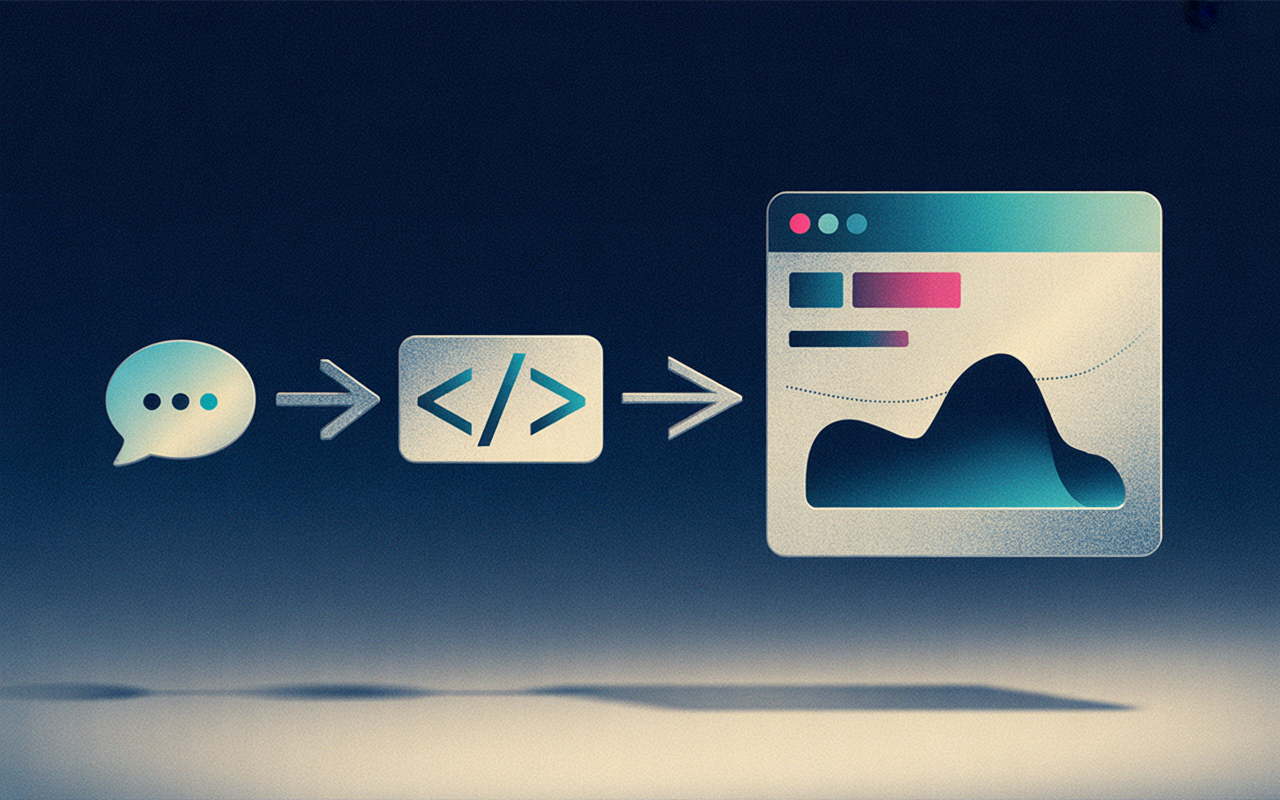
Under the hood, the agent wrote code. The render UI function gives the agent an environment where it can write JSX, use React with useState, call TanStack Query, and pull from PostHog's own UI components. The queries it calls look like a typed SDK — if you've used tRPC or oRPC, you'll recognize the shape. You expose your API endpoints as typed queries, ship your own React components alongside them, and the agent composes the two.
To prove the point, Rhys grabbed a time series lineage chart straight from PostHog, dropped it into context, and the agent used it. Same conversation, no context switch, real product UI rendered back to the user.
The execute tool and code mode
The agent in the demo has three tools: execute, render UI, and a docs search tool. The search tool is the cheap win — it gives the agent grounded information about the product.
execute is where the interesting work happens. It's built on the Executor REST API, and it lets you take any OpenAPI spec or MCP setup and turn it into a TypeScript SDK the agent can call.
That pattern lines up with code mode, which Cloudflare wrote up on their blog. The idea: ship your entire OpenAPI spec to the agent, convert it to a TypeScript SDK, and let the agent write code against it. Rhys's example was a Google APIs call listing emails and filtering down to messages from OpenAI. The bet underneath all of this is simple — agents write code more reliably than they emit one-off tool calls when you give them a real environment to write it in.

Where MCP apps fit
The final piece: this isn't a hack on top of the spec. MCP apps are officially part of the MCP spec. Clients with native support can embed the app directly; clients without it can link out to the URL. The deep-link experience degrades gracefully — same generative UI, rendered in the client when possible, opened in the product when not.
The pattern is portable. Swap PostHog for WorkOS, or any product with an OpenAPI surface and a component library, and it still holds: expose your endpoints as a typed SDK, ship your components, let the agent compose them, and deep link the user back into your product. That's how you get generative UI out of an agent and into something a user actually wants to look at.