Passkeys in B2B: the real risk is recovery
Consumer passkey guidance optimizes for the login. In B2B, the enrollment and recovery story is what decides whether passkeys actually work. Here's the gap.

Most of the passkey advice you'll find was written for consumers. Turn on iCloud Keychain, tap the biometric prompt, and your logins follow you from phone to laptop. It's good advice for one person protecting their own accounts. It quietly falls apart the moment the account belongs to a company instead of a person.
The mechanics that make passkeys great don't change between the two worlds. What changes is who owns the credential, where it's allowed to live, and who gets to approve a new one when a device disappears. Consumer guidance answers none of those questions, because for a consumer they don't exist.
The part everyone agrees on
Passkeys are WebAuthn credentials, and they resist phishing because they're cryptographically bound to the origin they were created for. A passkey minted for your domain is fused to that domain. It can't produce a valid signature for any other origin, and the enforcement happens below the application layer, in the authenticator and the browser, where neither the user nor a lookalike phishing page can interfere. That's the whole pitch, and it holds up. No shared secret crosses the network, so there's nothing to intercept, replay, or fish out of a breached database. (We went deep on the protocol mechanics in Cryptographic origin binding if you want the byte-level version.)
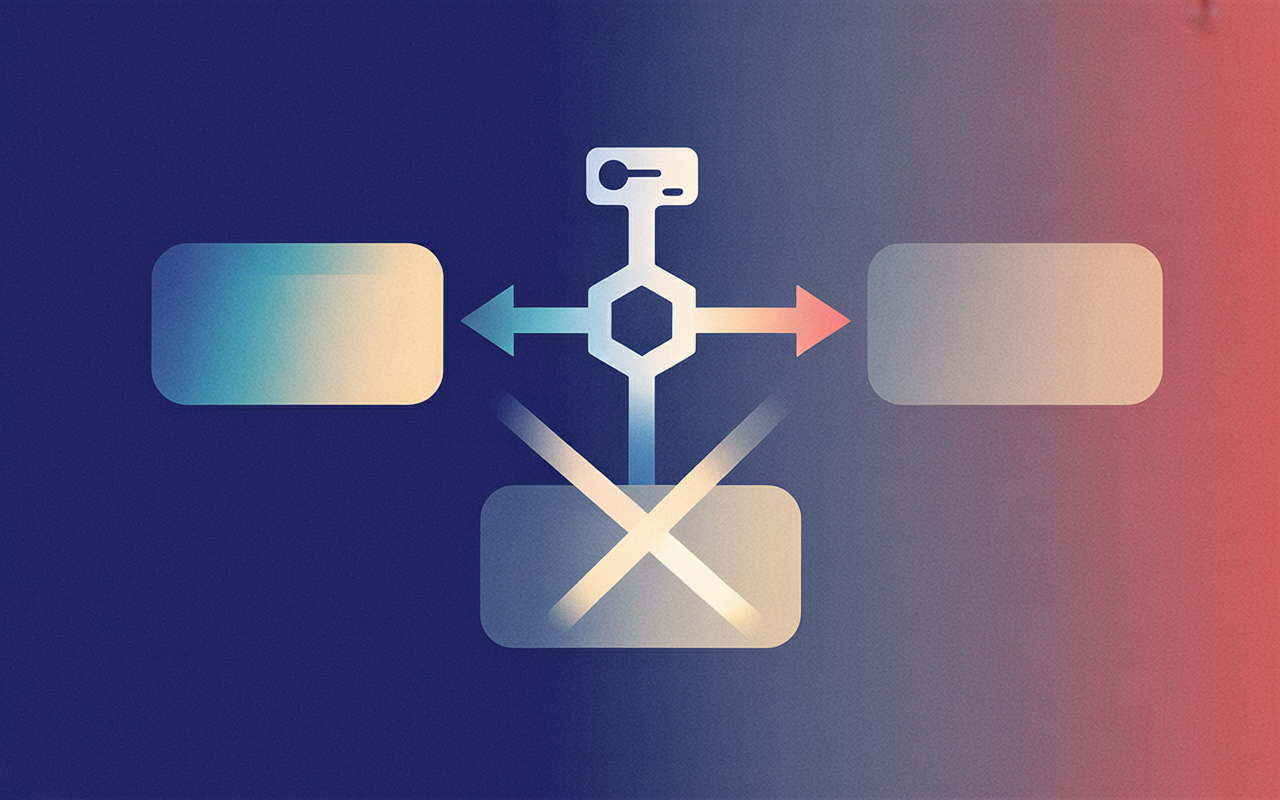
This is where most write-ups stop. Phishing-resistant, passwordless, done. But "the credential can't be phished" is a statement about the login ceremony, and in a company the login ceremony is the easy part.
Where "just sync it" becomes a problem
Synced passkeys live in platform credential managers like iCloud Keychain and Google Password Manager. That's exactly what makes them pleasant for a consumer: create once, and the credential rides along to every device signed into the same account. The convenience and the problem are the same feature.
Because in a company, the account those credentials sync into is usually a personal one. An employee sets up a passkey for a corporate app on their work laptop, and it syncs into their personal iCloud or Google account. The credential that authenticates to your production systems now sits in a cloud account your company doesn't own, can't see, and can't revoke. When that person leaves, the corporate credential leaves with them, inside an account you were never able to touch.

The blast radius follows the credential. An attacker who compromises that cloud account, or just its recovery mechanism, gets every synced passkey inside it, and the user's security is now bounded by their cloud provider rather than by their device. For a personal Netflix login that's a fine tradeoff. For access to your customer data it's a governance gap you didn't sign up for.
Device-bound moves the hard problem, it doesn't delete it
The obvious fix is device-bound passkeys: keys that never leave the hardware they were created on, so nothing syncs into a personal cloud. That closes the sync-boundary hole cleanly. The corporate credential stays on the corporate device, and there's no copy floating around in someone's personal account.
But it doesn't make the problem disappear. It relocates it. Device-bound passkeys make loss and recovery the hard problem instead. A synced passkey survives a dropped laptop because the copy in the cloud is still good. A device-bound passkey doesn't. When the hardware is gone, the credential is gone, and now you have a locked-out employee and a decision to make about how they get back in.
So you're really picking which hard problem you'd rather own: a credential you can't control, or a recovery flow you have to build.
The question consumer advice never asks: who approves the next passkey?
Here's the part that actually decides whether passkeys work in B2B. When someone loses a laptop, the login ceremony is irrelevant. They can't perform it, that's the whole point. What matters is enrollment and recovery: who approves a new passkey after a lost device.
For a consumer, the answer is trivial. You approve it, because it's your account and your other device. There's no one else in the loop. For a company, that same question is an org chart, a policy, and a threat model rolled into one. Does an admin approve the new passkey? Does IT? Is there a second factor to prove the person asking is who they say they are, and not an attacker who "lost their laptop" on purpose? A weak recovery path is a phishing-resistant front door with a back door propped open. The attacker stops trying to phish the login and just calls the help desk.
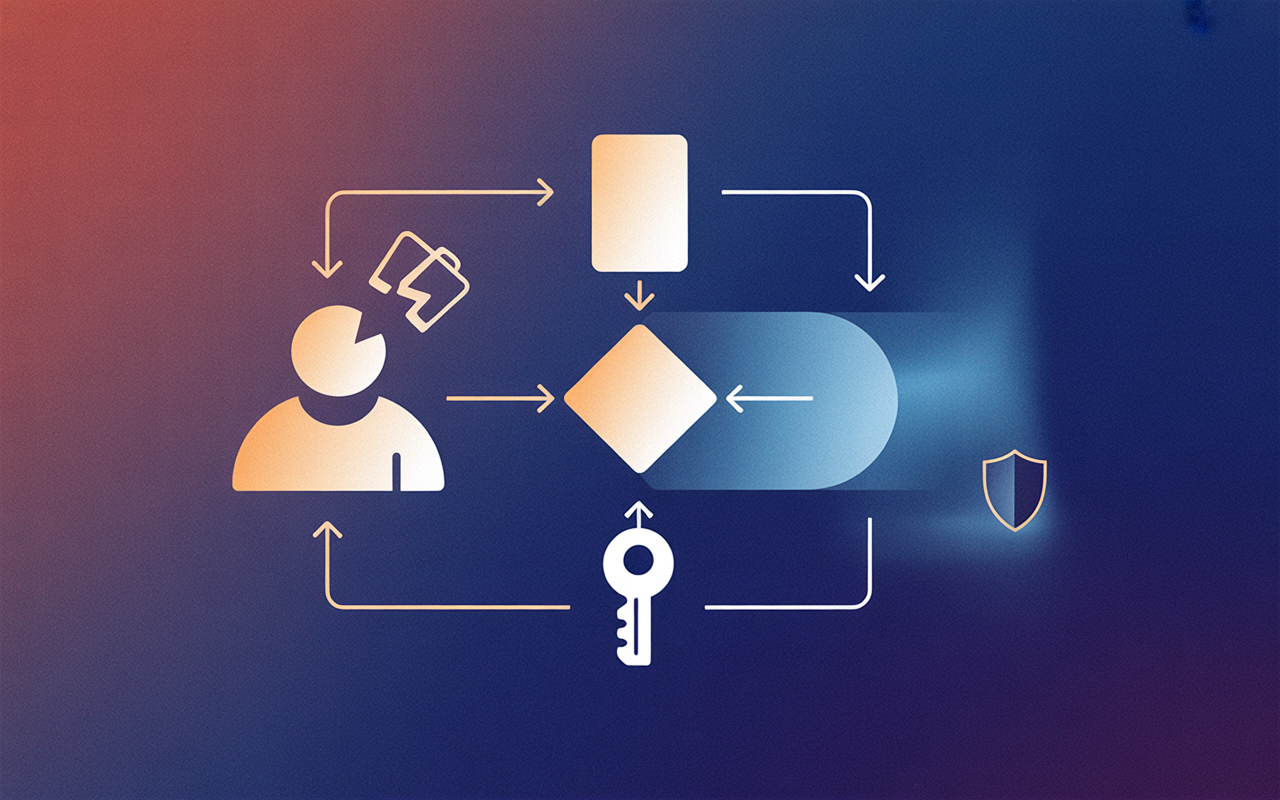
This isn't a hypothetical soft spot. Account recovery is the most commonly exploited gap in passkey deployments, and phishing resistance is a property of the entire authentication chain, not of the strongest method in it. Enrollment and recovery matter more than the login ceremony in B2B. The ceremony is a solved problem; the browser and the authenticator handle it. Recovery is where your actual security posture lives, and it's the part no consumer tutorial will ever cover, because consumers don't have approvers.
What this looks like in AuthKit
This is the problem we build for, so here's how AuthKit handles the parts consumer guidance skips.
Enrollment in a company is mostly a migration, not a signup flow. You have existing password users who need to end up with passkeys. AuthKit does that with progressive enrollment: existing users get prompted on their next sign-in, and can accept, dismiss the prompt permanently, or snooze it for two weeks. You turn it on from the Authentication section of the WorkOS dashboard, and passkeys are available to all AuthKit customers for free.
On the login side, AuthKit treats a passkey as both a first and second factor and requires user verification (biometric or PIN) on every passkey login. If you're running MFA, a passkey can stand in for a one-time passcode instead of stacking another prompt on top. Returning users get the browser's autofill prompt and can authenticate with biometrics without even typing their email.
One operational detail worth knowing before you ship: configure your AuthKit custom domain before enabling passkeys in production. Passkeys are bound to the domain they were created at, so adding a custom domain later would prevent the usage of passkeys registered on the old domain. That's the origin binding from the top of this post showing up as a migration hazard. The credentials are fused to the domain that minted them, and changing that domain orphans them. Custom domains for AuthKit run $99/mo, so budget for it up front rather than discovering it after enrollment.
And on the part that matters most: register multiple passkeys per user (one on a phone, one on a hardware security key), and if you must support recovery without a passkey, require in-person identity verification or a recovery code generated at enrollment time rather than falling back to email or SMS.
What to take from this
If you're rolling passkeys out inside a product or a workforce, read consumer passkey guidance for the mechanics and then throw out its assumptions. Three questions decide whether your rollout is real:
- Where is the credential allowed to live? Synced into a personal cloud is a governance gap. Decide deliberately whether you can accept it.
- What happens when the device is gone? Device-bound closes the sync hole but hands you the recovery problem. You have to build the answer, not assume it.
- Who approves the next passkey? This is the real control surface in B2B. Design it before you ship, or an attacker will design it for you at your help desk.
Passkeys are the strongest login primitive we've had. But a login primitive is not an authentication system. The enterprise work isn't in the ceremony — it's in everything the consumer version got to skip.

Try the enrollment and recovery flows yourself
The fastest way to judge a passkey rollout is to run the awkward paths: enroll an existing password user, then take their device away and see what recovery actually demands of them. WorkOS is free to get started and you don't need a credit card until you're ready to move to production. Every product is available in staging at no cost, and User Management is free for up to 1 million monthly active users.
Sign up for free and turn passkeys on in the dashboard.