Sync Engine: Mirror WorkOS data into your database
The WorkOS Sync Engine mirrors users, organizations, and memberships into your database, so you can query identity data alongside your application records.

An AI coding agent can help you build a dashboard. Who keeps the data behind it in sync?
The WorkOS Sync Engine lets you query users, organizations, and memberships alongside your application data, in a database you control. A customer account page can show members alongside their projects and permissions; a support dashboard can use the same records without assembling separate API responses; and you can correlate authentication enablement through the BI tools you already use.
A page that needs members, roles, and your own records runs one query against your database instead of a round trip to the API for every lookup. The join is a native database join against your application tables, written the way your team already writes queries.
It's open source, runs in your environment, and supports Postgres, MySQL, MongoDB, and ClickHouse.
Query members and roles
Here's an example of what a query on your synced data in Postgres might look like:
That lists organization memberships with each member's email and role slug. The three _live views are generated beside their tables and exclude rows that have been tombstoned by a delete. Each join also matches on _env, because ids are unique within an environment, and one database can mirror several.
You can use this query as the starting point for a customer-facing team page or an internal account dashboard, then join it to your application’s project records. Permissions come across too, so your app can read what a user is granted alongside its own records when they act on something, while the access decision itself stays on the session token.
WorkOS supplies the account context; your application supplies the usage data. For reporting, combine the membership records with product activity your application already collects. You could compare an organization's membership count with the number of people using a feature. Every event the API emits is fair game, so failed logins come along too, giving you the ability to answer questions about churn.
The mirror also retains deletion records. When it processes a user deletion, it marks the row with a tombstone. Retained rows let you investigate account departures alongside your application's history. This covers records the mirror captured and still retains.
Set up the mirror
Install the @workos/sync-engine package and the package for your destination. Run it as a TypeScript library in your application, or as a separate service using its Docker container image. The Sync Engine emits metrics for Prometheus, and comes with a health endpoint.
To get started, load existing records with a backfill, then keep the event poller running to read changes from the Events API. Schedule reconciliation separately to check for missing or extra records in supported streams. All of the synchronization fits within WorkOS' API rate limits, and you can fine tune how often you want to poll the API or write to your database.
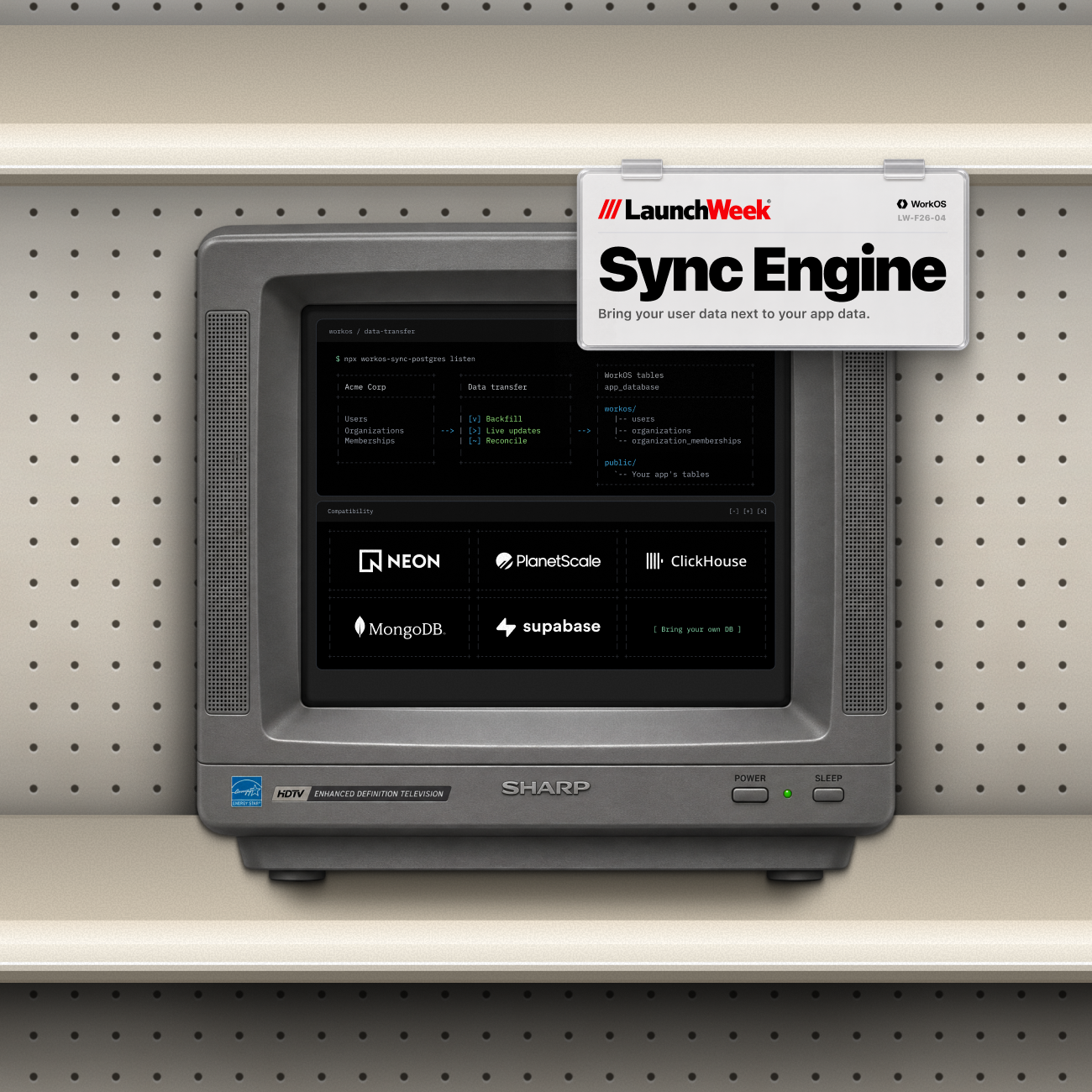
We're also announcing official support with our launch partners: Neon, PlanetScale, MongoDB, and ClickHouse. The Sync Engine supports MySQL and Postgres, as well as MongoDB and ClickHouse databases.
Getting started
Read the database setup documentation to connect your database, load existing records, and start syncing. The source is on GitHub.