WorkOS is now a plugin for ChatGPT and Claude
Manage SSO, Directory Sync, organizations, and audit logs by just asking. No dashboard required.

"Why can't this org sign in with SSO?"
That question used to mean opening the dashboard, finding the organization, checking the connection status, and maybe digging through docs to confirm what "pending" actually means. Now you can just ask it. You can connect WorkOS to Claude or ChatGPT in a single click through their respective marketplaces.
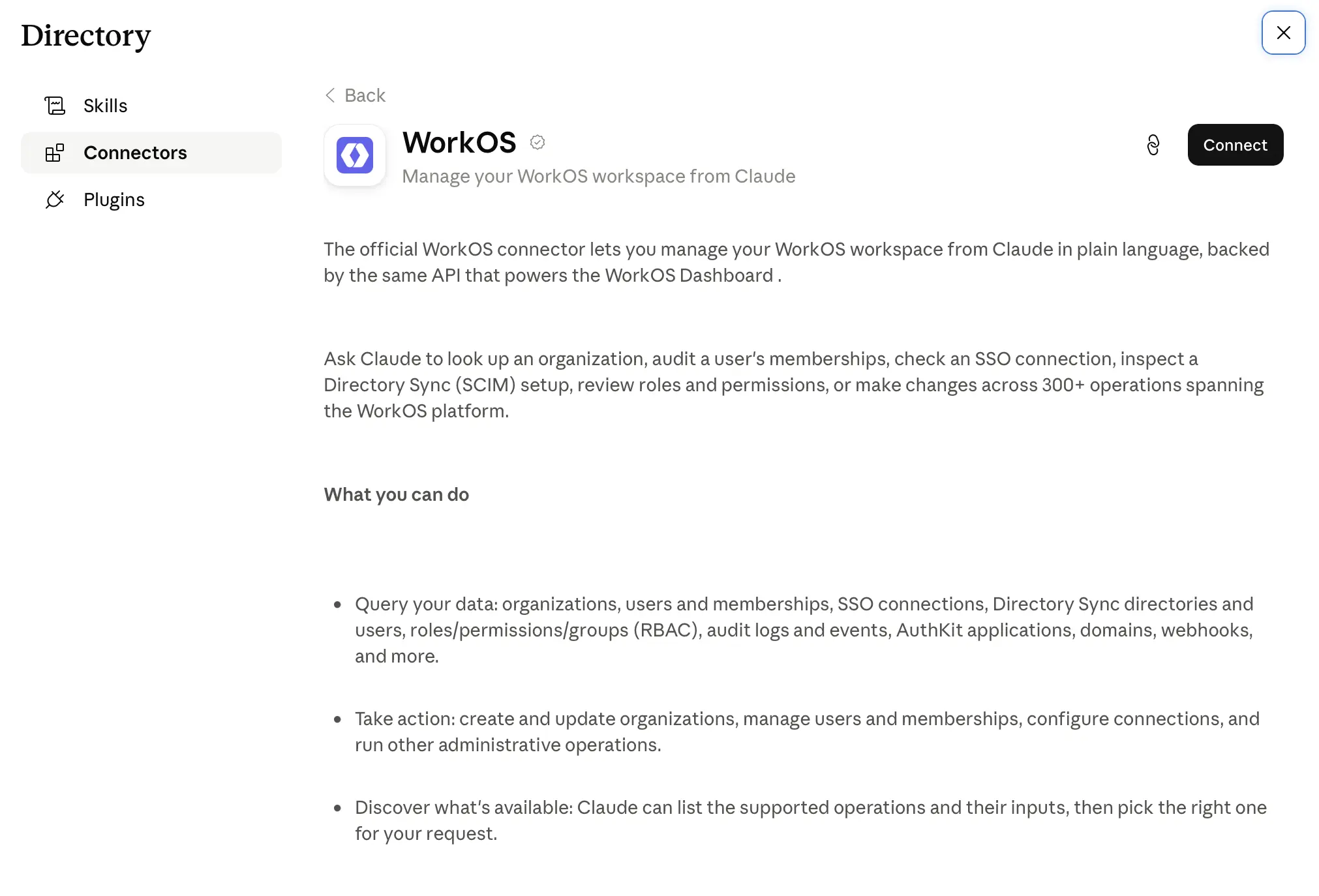
This allows you to manage your WorkOS environments directly via MCP across Claude, Claude Code, ChatGPT, or Codex. WorkOS team admins can control their team's access to make changes or access production environments via MCP in their team settings. This effectively turns your WorkOS workspace into something you can operate in plain language.
What you can do with it
Once the plugin is connected, you can ask ChatGPT or Claude to:
- Set up SSO and Directory Sync connections
- Create organizations and invite users
- Adjust auth policies
- Pull audit log events
- Configure AuthKit branding
- Answer operational questions, like "list every org with a draft SSO connection" or "why can't this org sign in with SSO?"
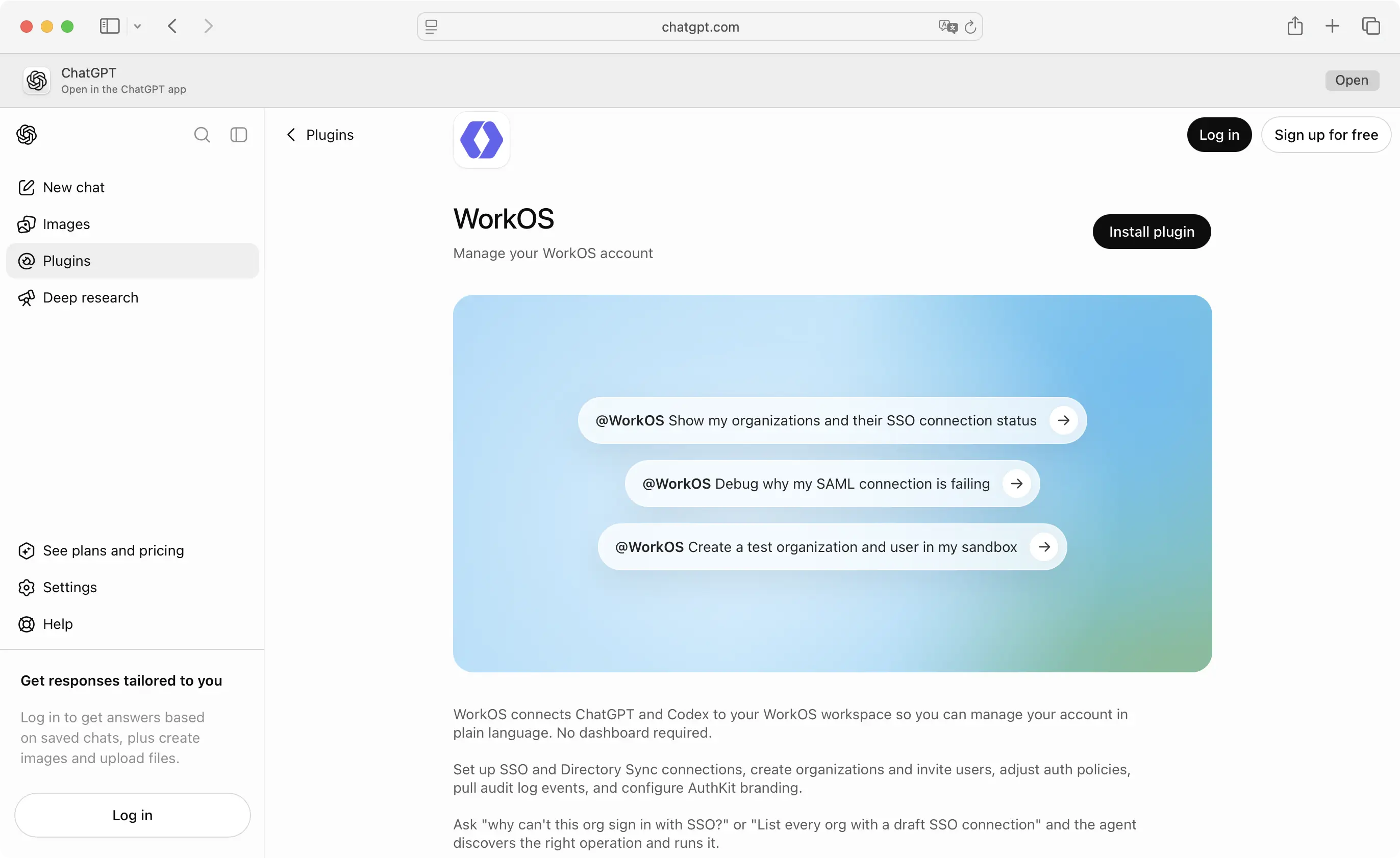
The agent figures out which WorkOS operation your question maps to and runs it. You don't need to know the API or remember where a setting lives in the dashboard. You just describe what you want.
This is useful for the obvious reason (it's faster), but it's also useful for a less obvious one: a lot of WorkOS work is investigative. Someone on your team asks why a customer's login is broken, and the answer is buried in the state of a connection you'd otherwise have to go find. Asking an agent to check is a much shorter path than clicking through it yourself.
See it in action
Say a customer's IT admin emails you saying their team can't sign in with SSO anymore. Normally that means opening the dashboard, finding the organization, and checking the connection status yourself. With the plugin, you just ask:
- You: Why can't Acme Corp sign in with SSO?
- Agent: Acme Corp's SSO connection is in draft status. It has a SAML certificate uploaded but no ACS URL configured yet, so the connection was never activated. Want me to generate an admin portal link so their IT team can finish setup?
- You: Yes, and let me know once it's active.
- Agent: Here's the admin portal link: [link]. I'll flag it if the connection status changes to active.
You asked a question in the language the support ticket was already written in, and got an answer plus the next step.
The same pattern works for setup and testing, not just debugging. "Create a test organization and user in my sandbox, then generate an admin portal link for them" runs as one request instead of three separate dashboard actions.
Where the permissions come from
If an agent can create organizations and change auth policy, the first question you should ask is what stops it from doing something you didn't want. The answer is: nothing new. Every action the plugin takes is scoped to the WorkOS team you authenticate with, using the same dashboard permissions you already have. The plugin doesn't introduce a separate permission model or a broader grant of access. If your role can't do something in the dashboard, the agent can't do it either.
That also means audit logging works the way it already does. Actions taken through the plugin are actions taken by you, under your existing access, and they show up accordingly.
Setting it up
The plugin is available now in the Claude and ChatGPT plugin directories. Install it, sign in with your WorkOS account, and pick the team you want to work in. From there, you can start asking it questions or handing it tasks directly in a ChatGPT or Codex conversation.
If you manage WorkOS for your organization, this doesn't replace the dashboard. It's a faster way to get an answer or make a change when writing it out in a sentence is quicker than finding the right screen.