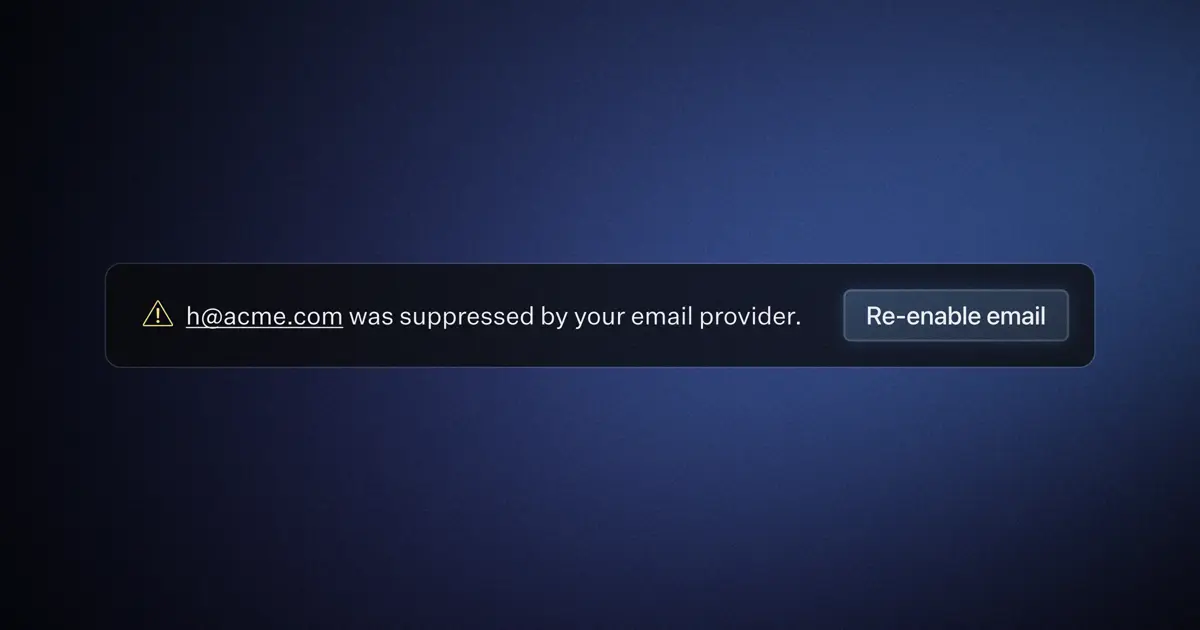
You can now check and remove user email addresses from the email suppression list. If your users have reported not receiving transactional WorkOS emails, you can check if their address has been suppressed in the WorkOS Dashboard under the new User > Emails tab. In addition to checking their suppression status, you can also see a history of all attempted deliveries to the user's email address. Email suppression management works with the default WorkOS email provider, or with a custom email provider.