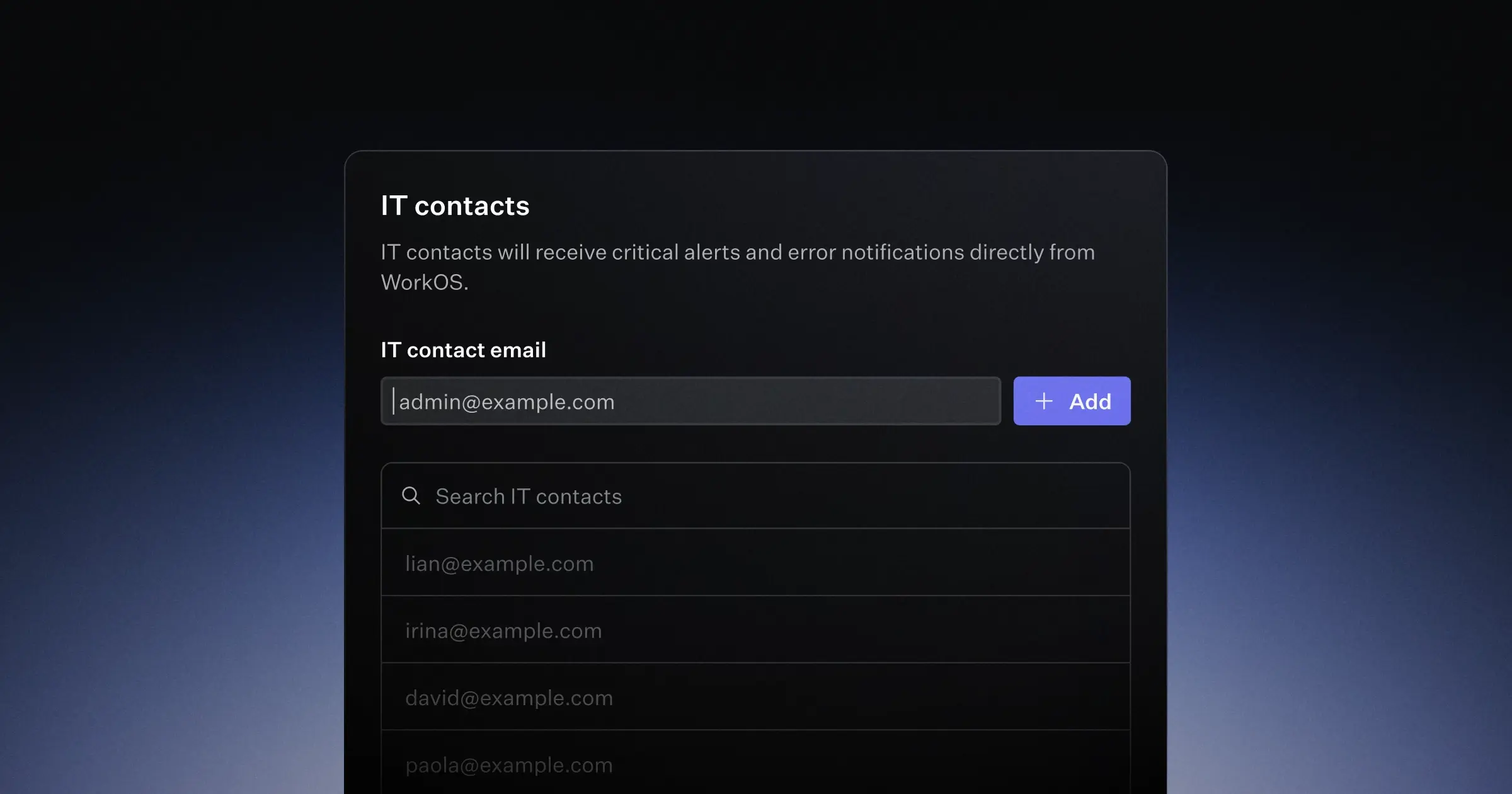
The Admin Portal now supports collecting and managing multiple IT contacts, previously known as organization admins. Enable collection from Configuration > Emails in the Dashboard. When enabled, Admin Portal setup flows — including SSO, Directory Sync, and certificate renewal — will include a step to collect an IT contact email. After setup, users can view and manage their IT contacts list from the Admin Portal post-configuration page.
Organizations can now have up to 20 contacts, up from one. You can manage this list yourself in the dashboard under an organization's settings page. You can also pre-populate contacts when generating an Admin Portal link via admin_emails.