IdP Role Assignment
Map identity provider groups to organization roles while preserving resource-scoped access.
IdP role assignment lets you map identity provider groups to organization-level roles. When an IT admin adds someone to the “Engineering” group in Okta or Azure AD, they automatically get the corresponding role in your application.
Today, IdP role assignment supports organization-level roles only. Resource-scoped roles are managed through the API. A user can have both – their organization role from the IdP, plus granular resource roles assigned by your application.
Support for mapping IdP groups to resource-scoped roles is coming soon.
Organization layer (IdP-managed) – Users get baseline access based on IdP groups. Everyone in “Engineering” might get org-member.
Resource layer (API-managed) – Users get specific access to workspaces and projects via API assignments.
When IdP groups change, only organization roles update. Resource-scoped assignments stay intact.
Role mappings are configured in the WorkOS Dashboard or through the Admin Portal.
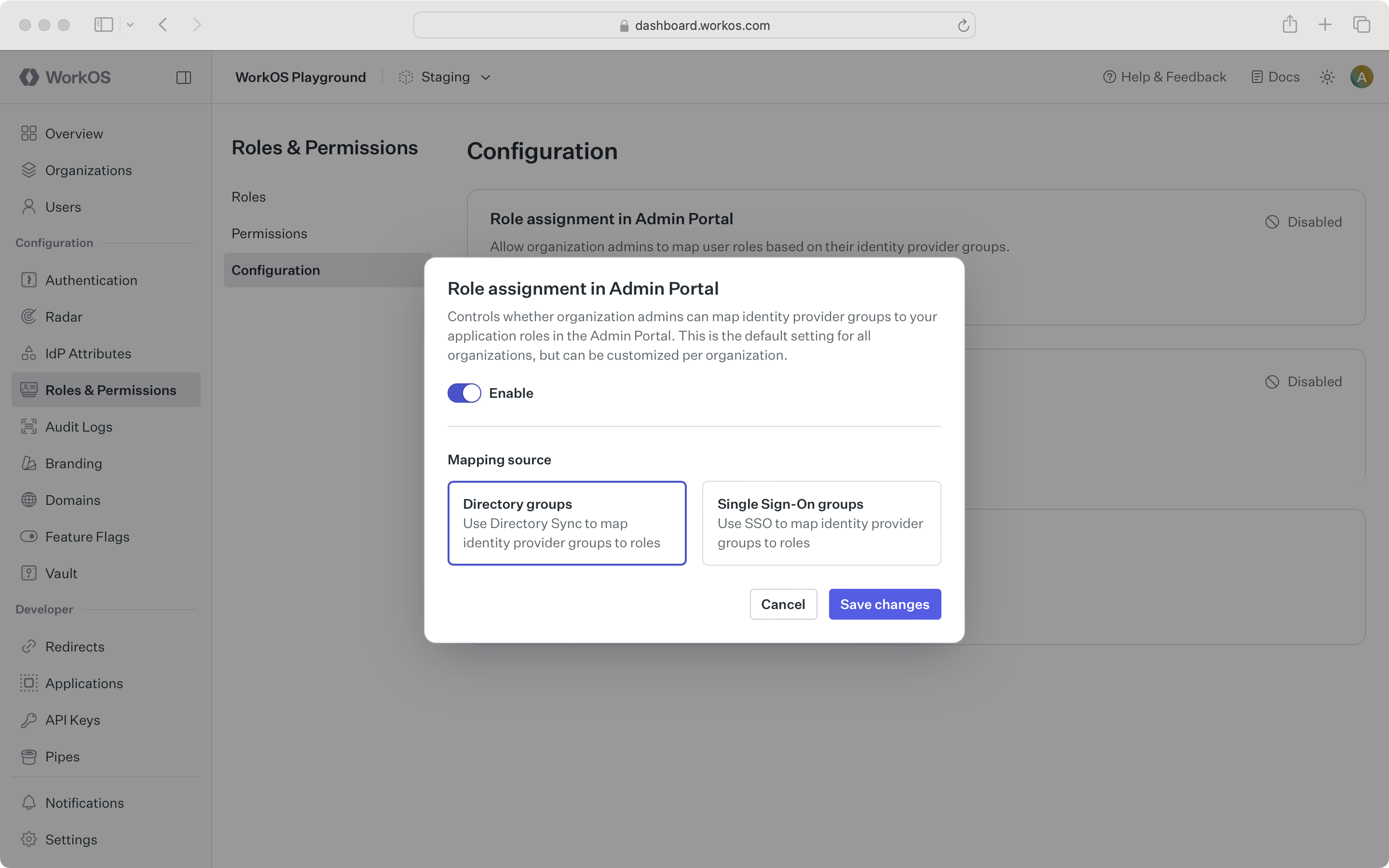
For setup instructions, see Directory Sync role assignment for real-time updates via SCIM, or SSO role assignment for authentication-time assignment.
Directory Sync (recommended) – Role changes happen in real-time via SCIM. Access can be revoked immediately when someone leaves a group.
SSO only – Role assignments are evaluated at authentication time. Changes take effect on the next sign-in.