AI agent approval workflows: an email example with Airlock
Learn when AI agents should send email, pause for human approval, or be blocked. Follow Airlock’s Gmail and Slack approval workflow from the Agent Night demo.

The Gmail permission that lets an AI agent send a planning update can also let it send confidential financial data to the entire company. A useful approval workflow needs to distinguish those messages before they leave the mailbox, while keeping routine work moving.
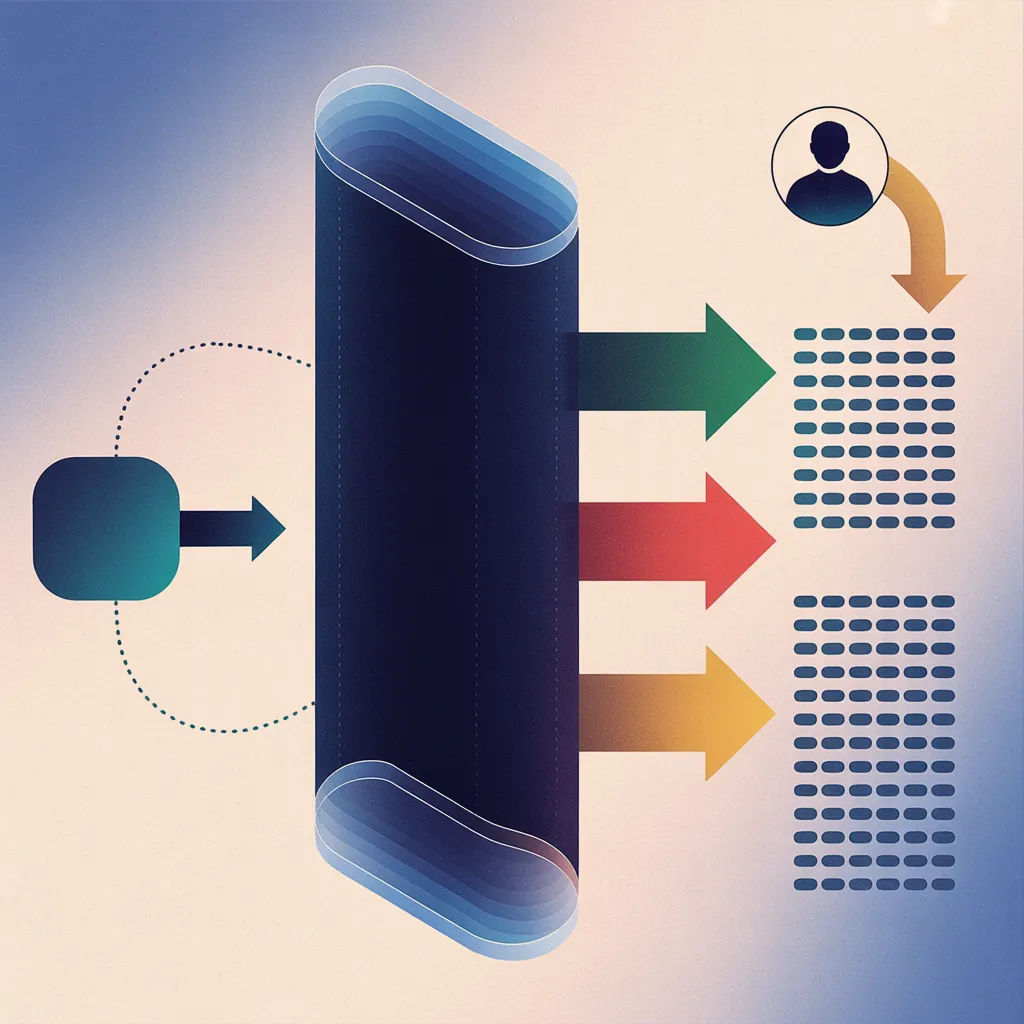
This guide explains an AI agent approval workflow through Aaron Tainter's Agent Night demo: let routine emails proceed, block prohibited content, and require human approval for a new audience. WorkOS Airlock evaluates agent calls against their intent and your policies. It is available in early access if you want to bring this control to your own agents.
Where human approval belongs in an email workflow
Aaron's agent could read Linear issues and send email through Gmail. WorkOS Pipes supplied those provider connections and managed their OAuth credentials. Airlock governed the calls, while the provider credentials stayed behind the gateway.
The agent used an Airlock token tied to its declared task. Aaron used the Rule Builder to translate plain-language instructions into policies that governed its calls. His email rules included:
Permit reads and ordinary emails to a few recipients.
Require IT admin approval for a distribution list
the sender has not used before.
Block outgoing credentials and financial data.
Block mail deletion, but permit deleting drafts.
Blocking a delete endpoint fits a fixed rule. Recognizing financial information or an unfamiliar distribution list needs context. Aaron showed runtime checks that could inspect message content and look up mailbox history.
Three emails, three different decisions
A planning update goes through. Aaron asked the agent to tell his manager that Q3 planning was in Linear. The agent read the relevant issues and sent the email. The calls matched the task and passed the configured policies, so nobody had to approve each step.
A financial summary is blocked. Next, he asked it to read a Linear issue containing token-spend information and email a summary to a coworker. Reading the issue succeeded, but the outgoing email violated the policy against financial data. Airlock denied the send. Access to a source document did not authorize sharing its contents by email.
A staff announcement waits for approval. Finally, Aaron asked the agent to thank everyone for Agent Night and announce a day off. The recipient was a staff distribution list he had not emailed before. Airlock required approval, and Aaron received a Slack notification naming the proposed email and its subject. Acting as an IT admin, he approved it; the agent then completed the send.
The distinction matters when designing human-in-the-loop AI agents. The unfamiliar audience called for a person's decision. The prohibited financial content called for a block. Both used the same email tool.
How the agent resumes after human approval
Approval grants permission for the proposed call. The client still has to resume it. Airlock returns an approval reference when a call needs review; the client can check its status and retry the saved call once approved. In pseudocode:
When a call needs approval:
    Save the call and its approval reference.
    Wait while the approval is pending.

When the approval status changes:
    Approved: retry the unchanged call through Airlock
              under the original intent, using that approval.
    Denied, canceled, or expired: stop this attempt.
Airlock checks that the approval belongs to the same user, intent, and request, and that it is still valid and unused. Changing the recipients or message requires a new policy decision; the old approval cannot authorize the changed call. A failed status check leaves the send paused.
After the retry, check the provider result before reporting that the email was sent. Permission to send and a successful send are separate outcomes.
Try the pattern with your own email agent
Start with a test mailbox, a narrow task, and a configured approver. Route calls through Airlock with policy enforcement and the required runtime checks enabled. Try an ordinary message, prohibited content, and an unfamiliar audience to exercise all three outcomes.
For the approval case, verify that nothing is sent while it is pending or after rejection. Then approve an unchanged message and confirm the send. Change its recipient and check that the previous approval cannot be reused. The agent policy-testing guide covers these checks in more detail.
Watch Aaron's Airlock demo
The recording starts with the Gmail connection and policy setup, followed by the allowed, blocked, and approved email examples.
Request Airlock early access to apply intent-based policies and human approval to your agents' email workflows.