Chrome DevTools: Bringing Browser State to Your Coding Agent
Paul Irish shows how Chrome DevTools' MCP integration lets AI agents parse 15M-line performance traces and debug browser sessions programmatically.

At MCP Night: The Holiday Special, Paul Irish showed how Chrome DevTools' MCP integration lets agents programmatically debug browser sessions—starting with 15 million lines of performance traces.
This post is part of our MCP Night: The Holiday Special: Holiday Special Recap series. Read the full recap post here.
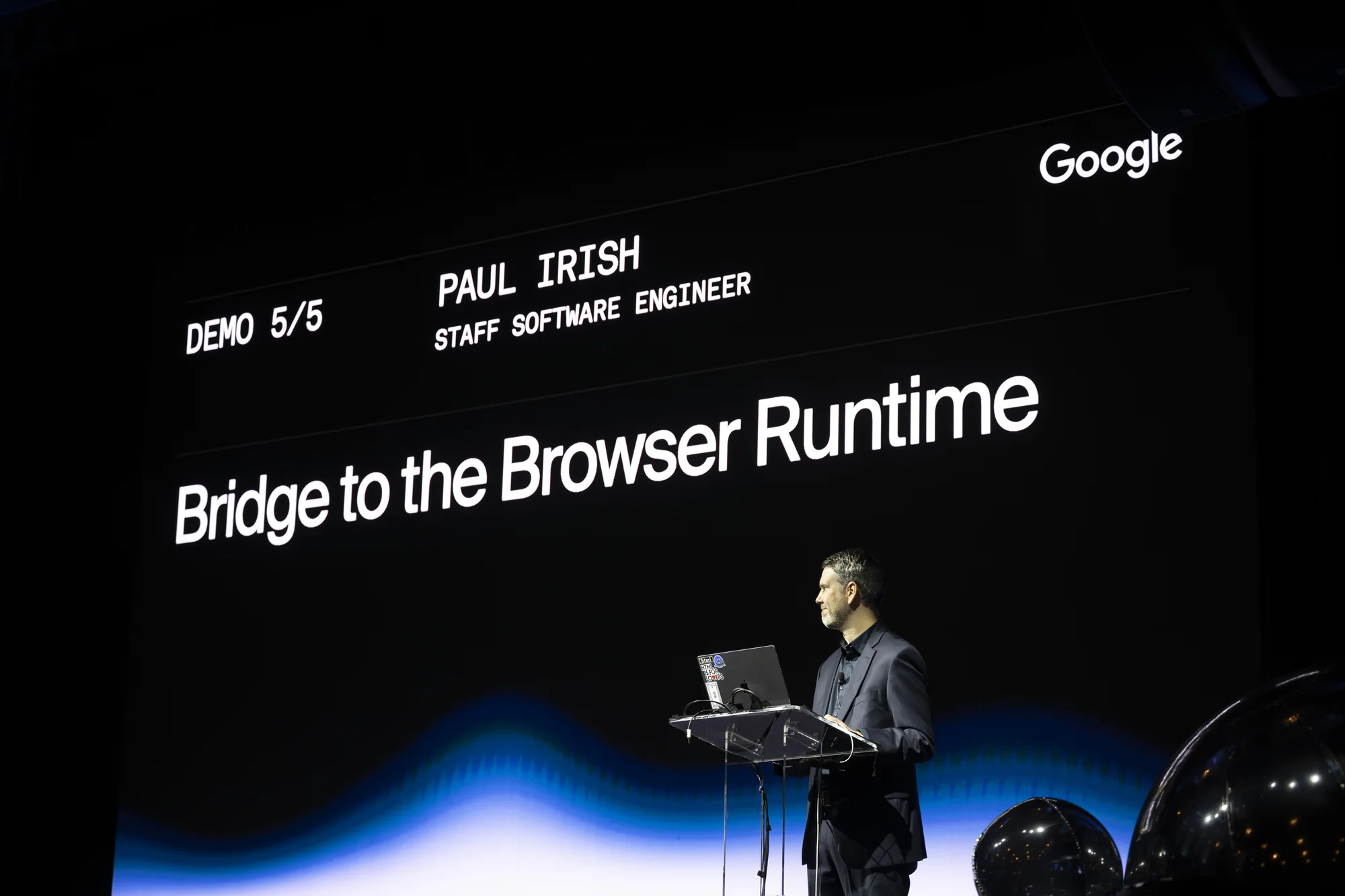
Paul Irish, Staff Software Engineer at Google working on Chrome DevTools, took the stage with an observation that resonated with every web developer in the room: performance debugging is one of those areas where expertise is unevenly distributed.
You can watch Paul's session below or on YouTube:
His demo showed how Chrome DevTools' MCP server might help close that gap.
The Context Problem
Performance work is notoriously difficult to get right. You run a trace, open DevTools, and face a visualization of everything that happened in the browser—paint events, script execution, layout calculations, network requests. The information is all there, but knowing what matters requires experience that not every team has.
Paul's premise was direct: what if you could hand that context to an AI agent and have it do the initial analysis?
15 Million Lines of JSON
The demo centered on performance tracing. When you capture a trace in Chrome DevTools, you're generating a detailed record of browser activity. For a complex page, that record can be enormous—Paul's example trace was approximately 15 million lines of JSON.
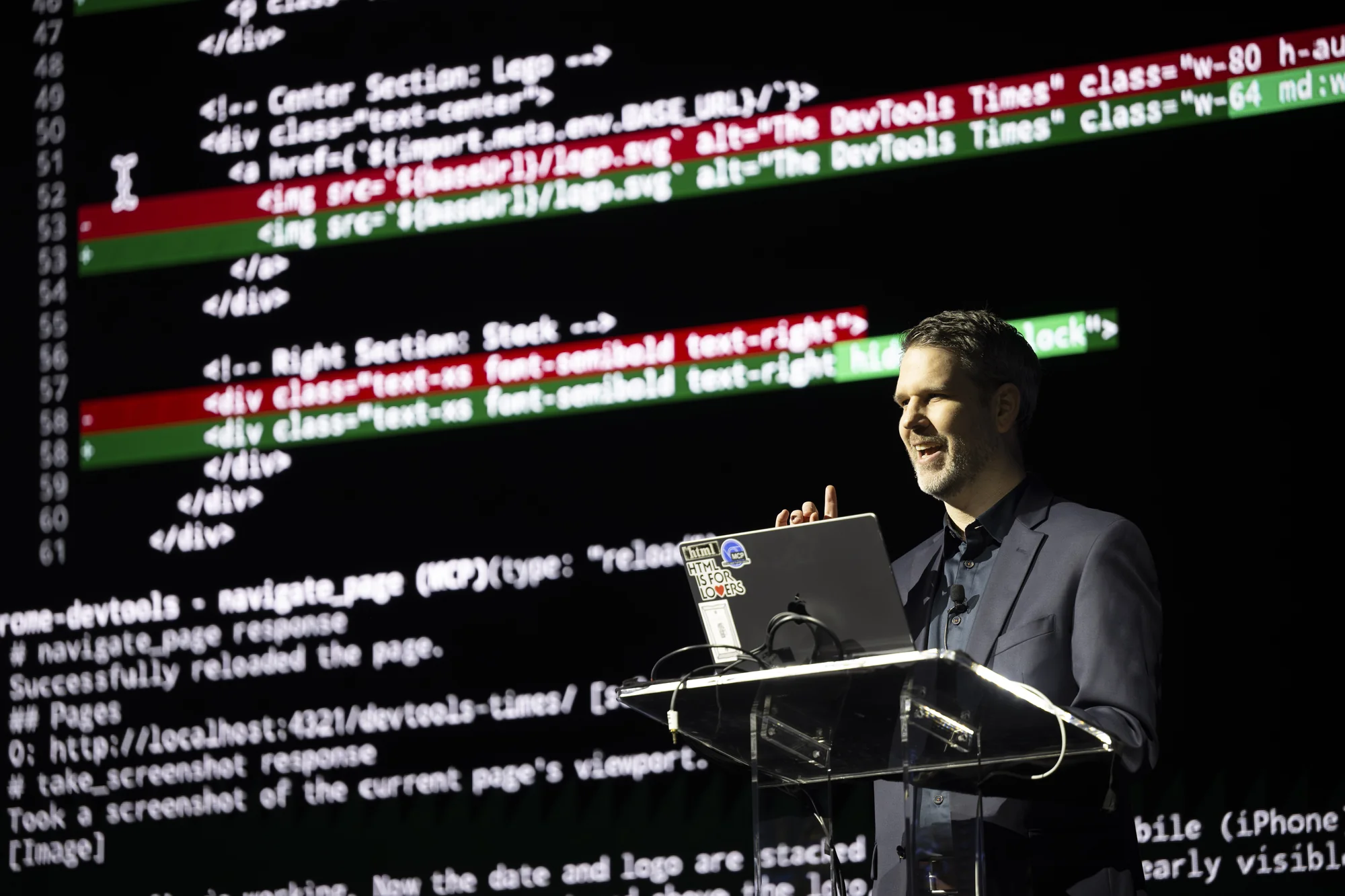
That scale creates a problem for AI agents. You can't just dump 15 million lines into a context window. The Chrome DevTools MCP server solves this by parsing the trace, identifying relevant patterns, and distilling the information into a concise summary that includes the insights that actually matter.
Cross-Application Context
Paul highlighted a broader vision: taking context and state from one application and bringing it into your coding agent.
Your browser knows things—which page you're on, what performance issues you're experiencing, what JavaScript is executing. That context is valuable when you're trying to debug or optimize your code.
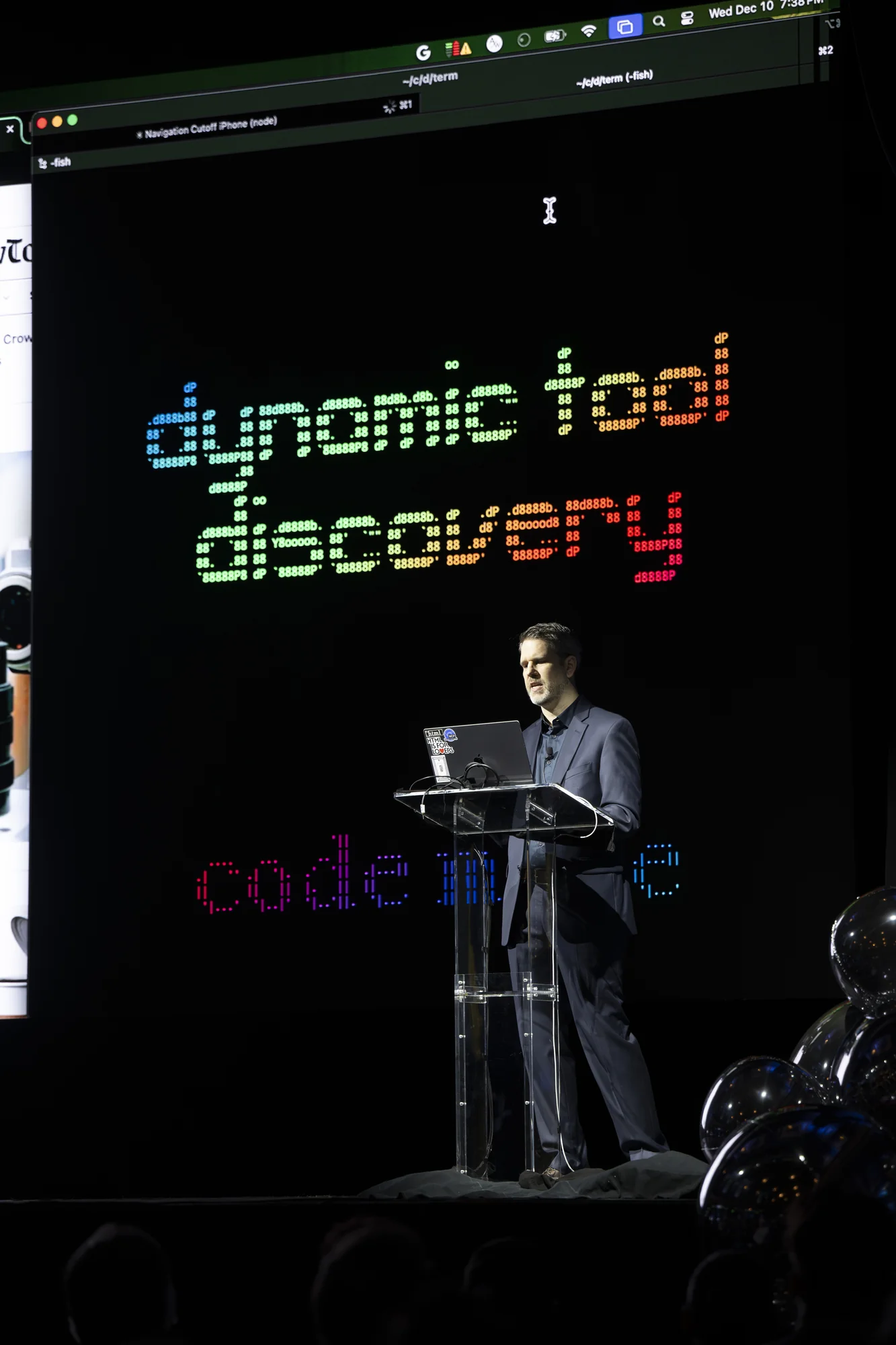
The MCP server creates a bridge. Agents like Gemini CLI or Claude Code can connect to your Chrome session and access information programmatically. Instead of manually describing what you're seeing in the browser, the agent can see it directly.
Performance Expertise on Demand
The demo showed how the MCP integration enables performance analysis workflows that would otherwise require a specialist. Capture a trace, connect your agent, ask what's causing the slow page load. The agent has access to the actual performance data, not just a description of the symptoms.
Paul noted that the Chrome team has embedded their expertise into the tools—the patterns they look for, the insights they surface, the optimizations they recommend. The MCP server makes that knowledge accessible to agents, which can then communicate it to developers in conversational form.
Looking Forward
Paul mentioned ongoing discussions around a performance spec that could accelerate this kind of integration. Standardizing how performance information is exposed and consumed would benefit not just Chrome, but the entire ecosystem of development tools.
For now, the Chrome DevTools MCP server demonstrates the potential. Performance debugging might always require deep expertise for the hardest problems, but AI-assisted analysis can handle the initial triage and surface the patterns that deserve human attention.
Try It Yourself
Chrome DevTools' MCP integration enables programmatic access to browser debugging capabilities. For developers working on web performance, the ability to hand off trace analysis to an agent can significantly speed up the investigation process.
At MCP Night: The Holiday Special, Google showed that the DevTools-to-agent pipeline isn't theoretical—it's working today, parsing millions of lines of trace data and surfacing actionable insights.
Read our full MCP Night: The Holiday Special: Holiday Special Recap post here.