MCP authorization: governing tool calls beyond OAuth
Secure MCP tool calls beyond OAuth scopes. Learn where to enforce tool permissions, check request content, and test for data leakage with Airlock.

An MCP server can validate an agent's access token correctly and still send confidential data to the wrong place. A permission such as "send email" does not, by itself, decide whether the message should contain a spending report. This guide shows how to enforce MCP tool permissions on the actual request before it executes.
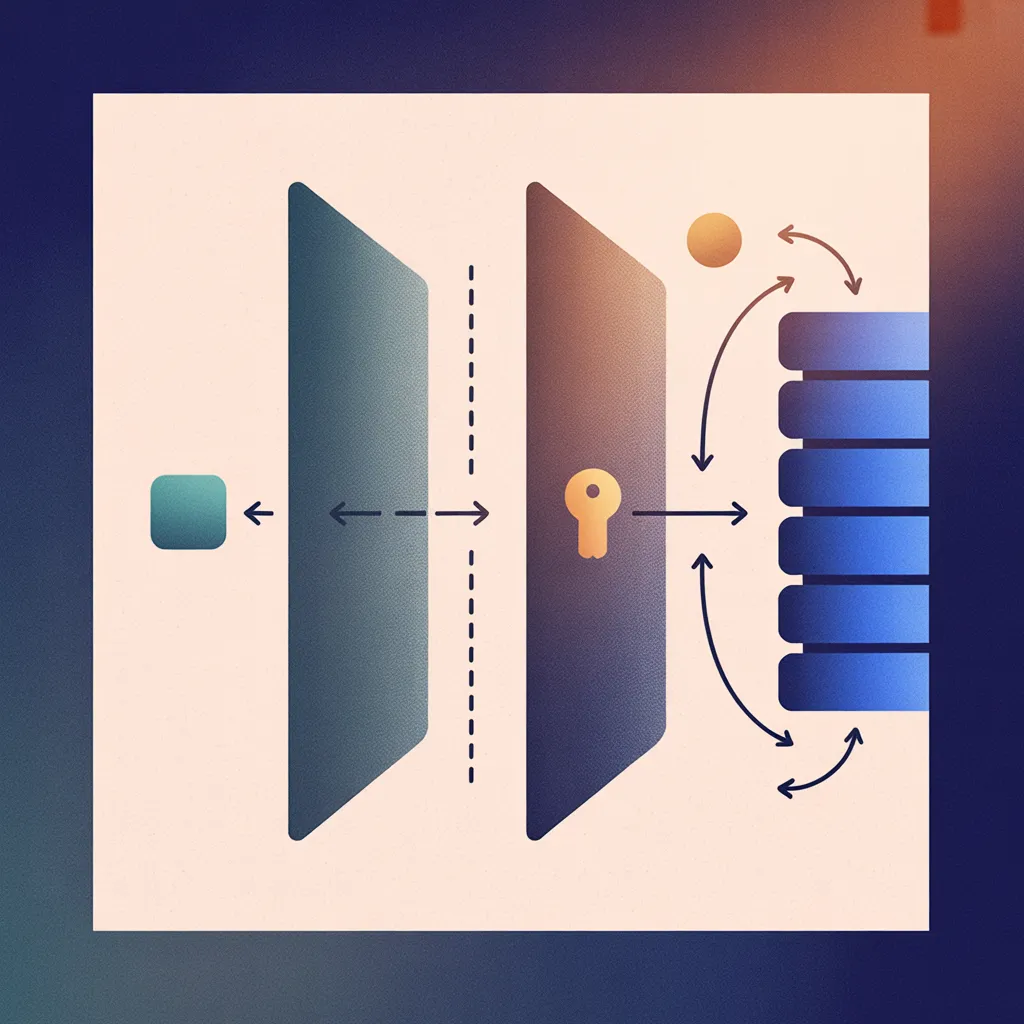
WorkOS Airlock provides that authorization layer for governed agent calls, evaluating declared intent and policy before allowing an action, denying it, or requesting human approval. Request early access to use it. The example below explains the design for a protected HTTP MCP server; the sample tool and pseudocode are illustrative.
What MCP OAuth scopes authorize
Suppose your server defines a send_email tool and a mail:send OAuth scope. Neither name is built into MCP. The agent submits this tools/call request:
{
  "jsonrpc": "2.0",
  "id": 1,
  "method": "tools/call",
  "params": {
    "name": "send_email",
    "arguments": {
      "to":
        "manager@example.test",
      "subject": "Planning",
      "body": "Review is Friday."
    }
  }
}
The server validates the token and checks the required scope. The MCP authorization specification requires the token to be intended for that server; invalid or expired tokens receive a 401 response.
Now keep the token, recipient, and subject unchanged, but replace the body with "We spent $3,200 on LLM tokens." The same scope still covers sending email. If your organization prohibits emailing financial data, the server needs to inspect the proposed content to enforce that rule.
You can define narrower scopes. But whatever granularity you choose, the application must implement the decision those scopes represent. Reading the scope string cannot establish that a newly generated email contains no confidential information.
Enforce MCP tool permissions before execution
Put the policy check on the MCP server or gateway that controls the provider call. Apply it to every governed tools/call request, including calls submitted directly without a preceding tools/list request. This simplified pseudocode shows the initial request path in enforcement mode, before any approval has been granted:
actor = authorize_mcp(request)
call = validate_and_freeze(request)
context = load_context(actor)

decision = evaluate_policy(
    actor, context, call
)

if decision != "allow":
    return stop_without_sending(
        decision
    )

return send_via_provider(
    actor, call
)
Freezing the call means the recipient and body used for execution are the ones that passed evaluation. An edit creates a new request to check. A denial, pending approval, or failed evaluation stops this send; an approved action resumes through a separate path that validates the approval.
The context should include administrator-defined policy and the agent's declared intent. Treat that declaration as a claim about its task, not proof that the user authorized every detail. If policy requires a particular recipient or account, check trusted application records or explicit restrictions. The agent cannot grant itself an exception by describing one in its intent.
Keep provider credentials on the server. MCP forbids token passthrough: the client's MCP access token must not double as the credential forwarded to Gmail.
Test for data leakage and failed authorization
Replace the provider adapter with a recording stub. The permitted planning update should produce one call. The financial-data message should produce zero. A forced policy timeout should also produce zero, while an expired token should fail before policy evaluation. Assert the arguments received by the stub, so a correct verdict cannot hide a changed payload.
Repeat the allowed and denied cases with a test mailbox. An allow means the send may be attempted; provider errors and delivery remain separate outcomes. For more cases, use the agent policy-testing guide.
Airlock's Agent Night demo shows a financial-data email being blocked on a working Gmail connection:
Request Airlock early access to add policy enforcement to your agents' tool calls.