Microsoft: MCP Auth Without the Configuration Nightmare
Den Delimarsky demonstrates MCP's new auth flow—Protected Resource Metadata replaces Dynamic Client Registration for zero-config authentication.

At MCP Night: The Holiday Special, Den Delimarsky showed the new MCP authentication flow in action—and proved that connecting to authenticated services no longer requires pre-configuration.
This post is part of our MCP Night: The Holiday Special: Holiday Special Recap series. Read the full recap post here.

Den, Principal Product Engineer at Microsoft and part of the MCP core maintainer team, flew in from Seattle with a single mission: demonstrate that MCP authentication is finally solved.
You can watch Den's session below or on YouTube:
For anyone who's wrestled with Dynamic Client Registration, OAuth configuration files, or the general mess of connecting AI agents to authenticated services, Den's demo was cathartic.
The Pain Point
Den started with context. As part of the core maintainer team, he talks to customers constantly about building on MCP. The consistent feedback? Auth was hard.
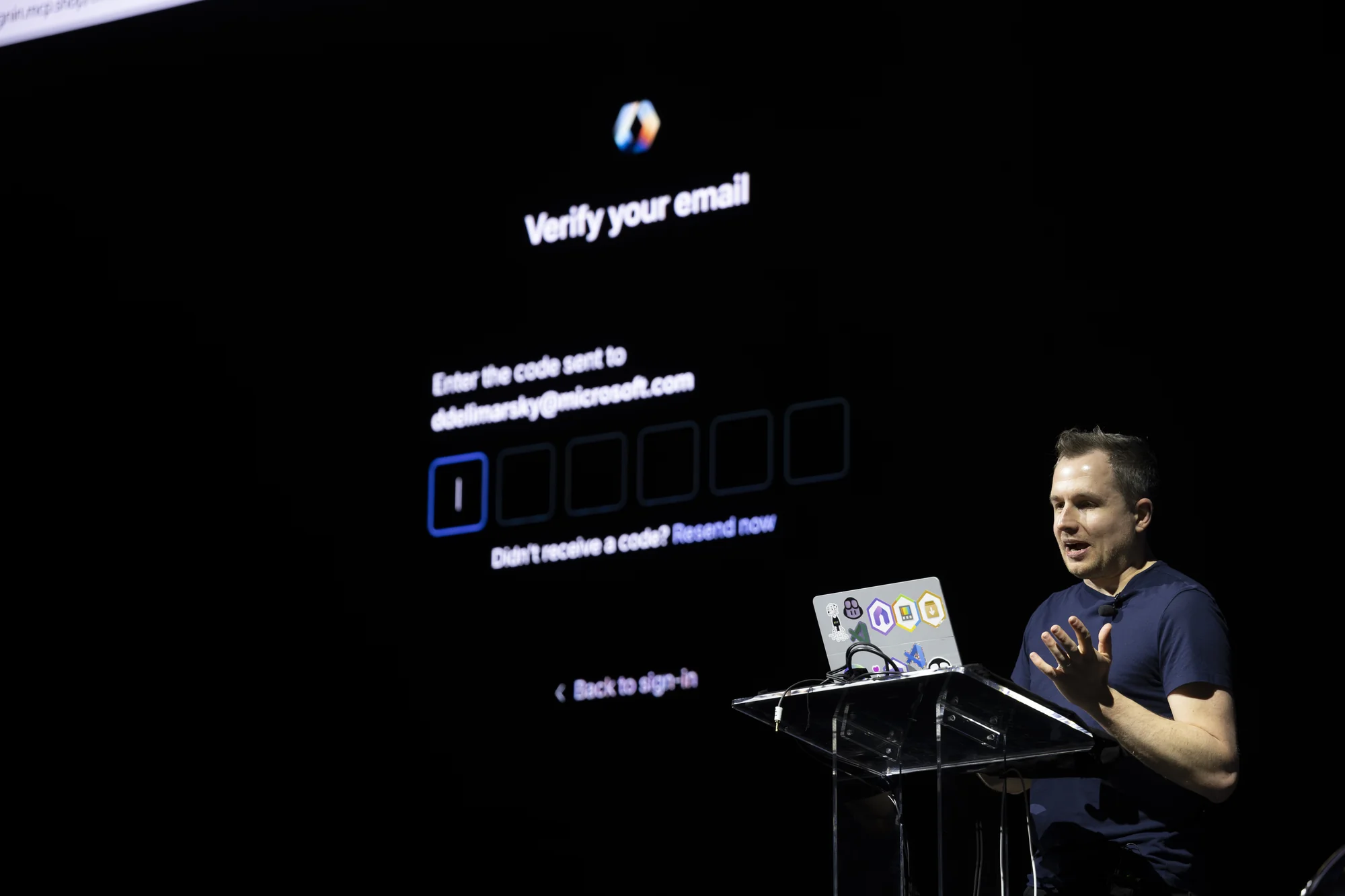
The previous approach—Dynamic Client Registration—required services to dynamically register and maintain auth state. It was complex to implement, difficult to debug, and incompatible with most existing OAuth systems. If you wanted to build an MCP server that connected to real services, you had to become an OAuth expert first.
The latest MCP spec changed that with Protected Resource Metadata and a new client identity model.
Zero Configuration Authentication
Den opened VS Code and navigated to the MCP server configuration. He pasted a URL, gave the server a name, and clicked to add it.
The server started. VS Code prompted: do you want to authenticate? Yes. Do you want to open this URL? Yes.
Den clicked through to GitHub, logged in with his account, and authorized the connection. No pre-configuration on his account. No client secrets stored in environment variables. No manual token management.
The entire flow—from nothing to authenticated and connected—took under a minute.
Under the Hood
Den switched to Fiddler to inspect the actual auth flow, walking through what happened at the protocol level.
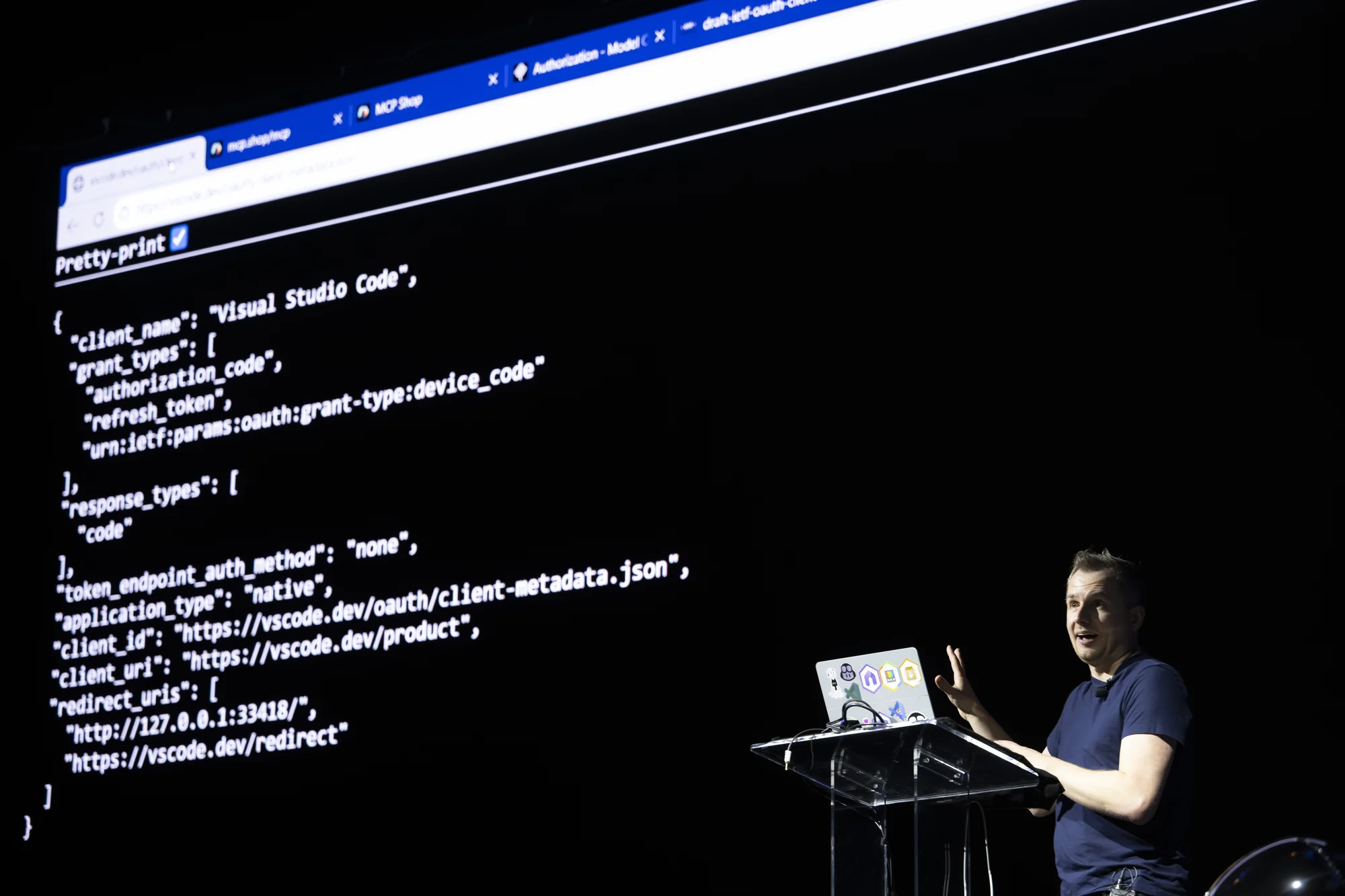
First connection to the MCP server returned a 401 with a pointer to the resource metadata document—expected behavior. The response included the authorization server URL, and VS Code fetched the authorization metadata automatically.
The key field in that metadata: "Client ID Metadata Document Support." This is the new approach that replaces Dynamic Client Registration. Instead of complex registration flows, clients present their identity via a URI. The server fetches that URI, reads the JSON document describing the client, and makes authorization decisions based on that metadata.
For developers building MCP servers, this is dramatically simpler. You don't need to implement Dynamic Client Registration. You expose metadata at a well-known URL, and clients handle the rest.
The Validation Path
Den pointed attendees to client.am for learning more about how the client identity system works. For anyone building MCP servers, there's now a way to validate that your server correctly implements the new auth flow.
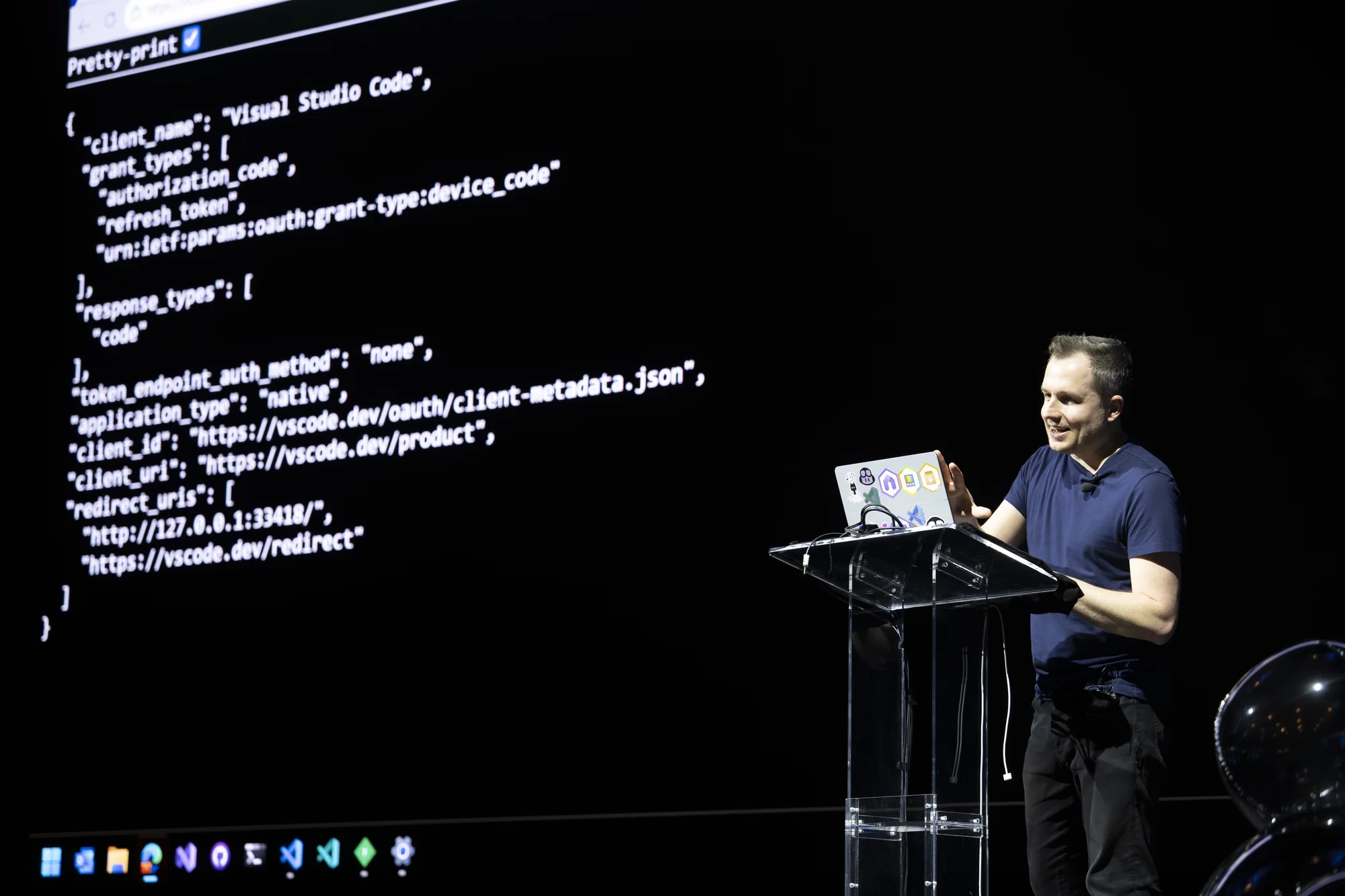
The tooling matters. Auth is one of those areas where small implementation mistakes create security vulnerabilities. Having a validation path means developers can verify their implementations against the spec rather than hoping they got it right.
Why This Matters for Adoption
The authentication demo might have been the least flashy of the evening—no holiday-themed apps, no dramatic efficiency comparisons—but it addressed the single biggest friction point for MCP adoption.
Remote MCP servers that connect to authenticated services are where the real value lives. Linear, GitHub, Salesforce, Google Calendar—these are the integrations that make AI agents useful for actual work. But before tonight's spec changes, building those integrations required deep OAuth expertise.
Now, a developer can implement the metadata endpoint, point to it from their MCP server, and let clients handle the authentication dance. The path from "I want to build an MCP server" to "users can authenticate and use my server" got dramatically shorter.
Try It Yourself
The new MCP authentication spec is live. For developers building MCP servers, the MCP documentation covers the Protected Resource Metadata approach and client identity model.
If you're implementing auth for your own MCP server, start with the metadata endpoint and use the validation tools at client.am to verify your implementation.
At MCP Night: The Holiday Special, Microsoft demonstrated that the auth problem isn't just acknowledged—it's solved. The configuration nightmare is over.
Read our full MCP Night: The Holiday Special: Holiday Special Recap post here.