Organization-scoped providers
Per-organization customization for a Pipe provider's scopes, credentials, and enablement.
A provider is generally configured once and made available with the same scopes and credentials for everyone. But some organizations have specific requirements. Organization-scoped providers let one organization override any of three things:
- whether the provider is enabled
- the scopes it requests
- the OAuth credentials it uses
This lets an organization’s IT admin match their own security requirements – say, allowing only a subset of scopes, or requiring connections through the organization’s own OAuth application.
For user-owned providers, these overrides change how an organization’s members connect; each member still authorizes and owns their own connection. For organization-owned providers, they configure the organization’s shared connections. The two configurations are independent, even when the providers have the same slug.
Most providers use an OAuth application you set up and control. Other providers require each organization to use its own credentials, so the customer authenticates against its own account. For these, set the provider to use organization credentials; each organization must then provide its own client ID and secret to enable the provider for its users.
Organization credentials decide which OAuth application the provider sees. They don’t change who owns the resulting connection: user-owned providers create personal connections, while organization-owned providers create shared connections.
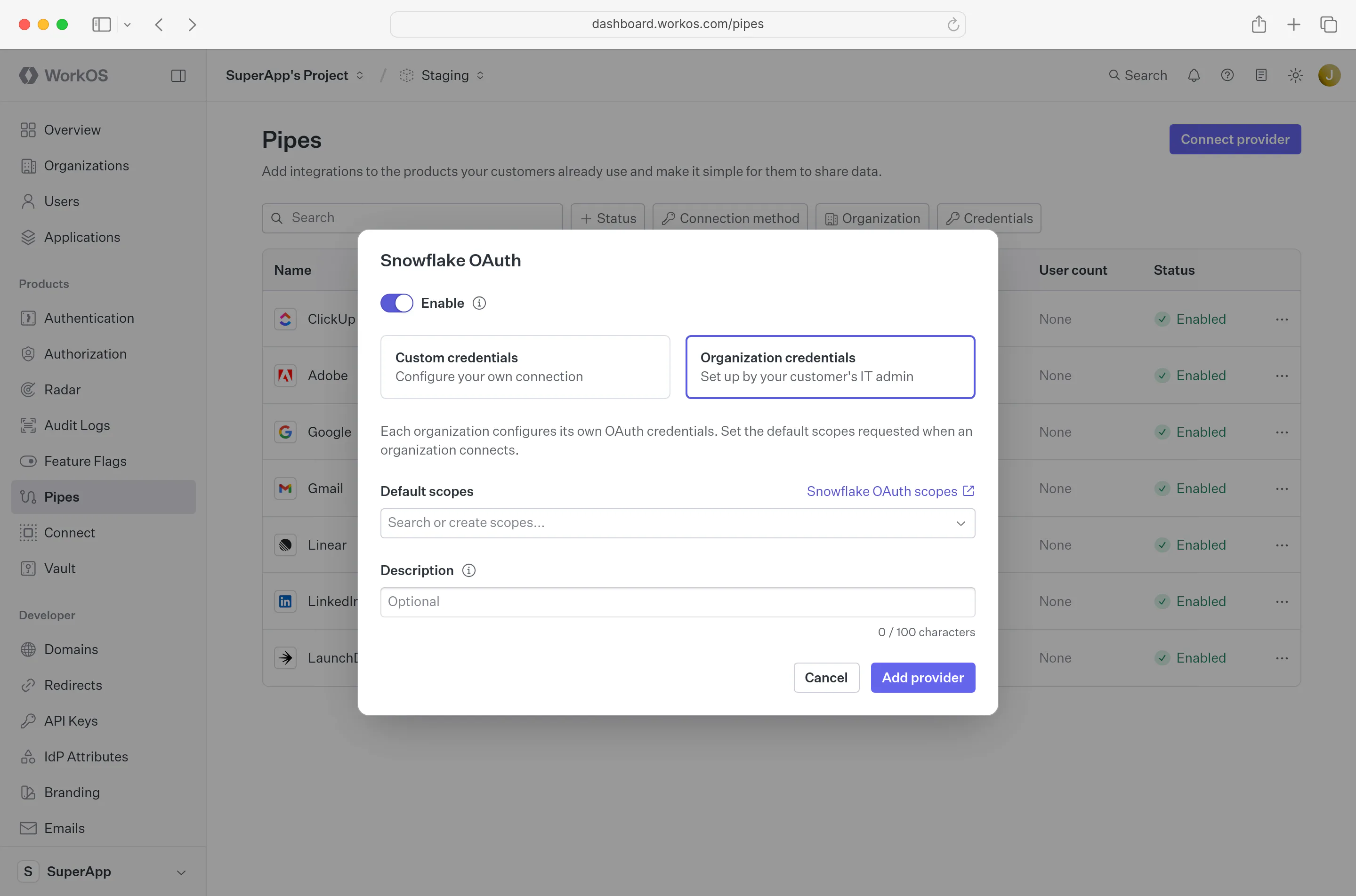
An organization’s IT admin configures these settings through one of two surfaces you provide: the drop-in Pipes Admin widget, or the management API if you want to build your own UI.
The Pipes Admin widget lets an admin tailor providers to
their organization’s needs. Admins need the widgets:pipes:manage permission.
To build your own UI instead, configure overrides through the API. Create or update one with a single request:
Both the configure endpoint (PUT /organizations/{organization_id}/data_integration_configurations/{slug})
and the list endpoint (GET /organizations/{organization_id}/data_integration_configurations)
accept an ownership query parameter. Omit it or pass ownership=user for
personal connections. Pass ownership=organization to configure or list shared
connections.
The selector never falls back to the other ownership. To supply the organization’s
OAuth app credentials, send client_id and client_secret together in the PUT
body; the selected provider must use organization credentials.
See the Configure a provider for an organization endpoint for every field and response.
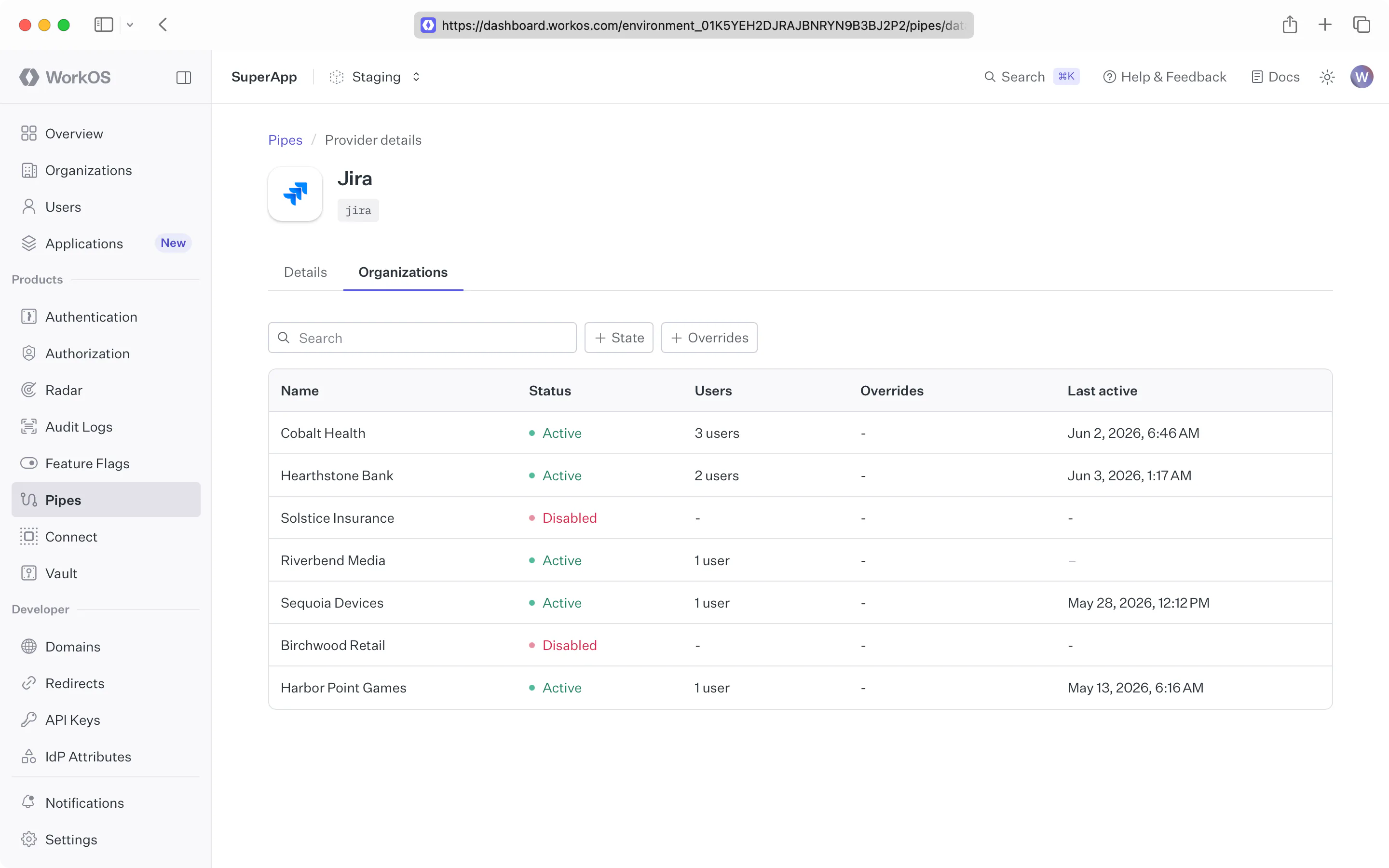
The WorkOS Dashboard shows which organizations use each provider, and who has disabled one or overridden its scopes.
Open a provider’s Organizations tab to see every organization that overrides it, and its status.
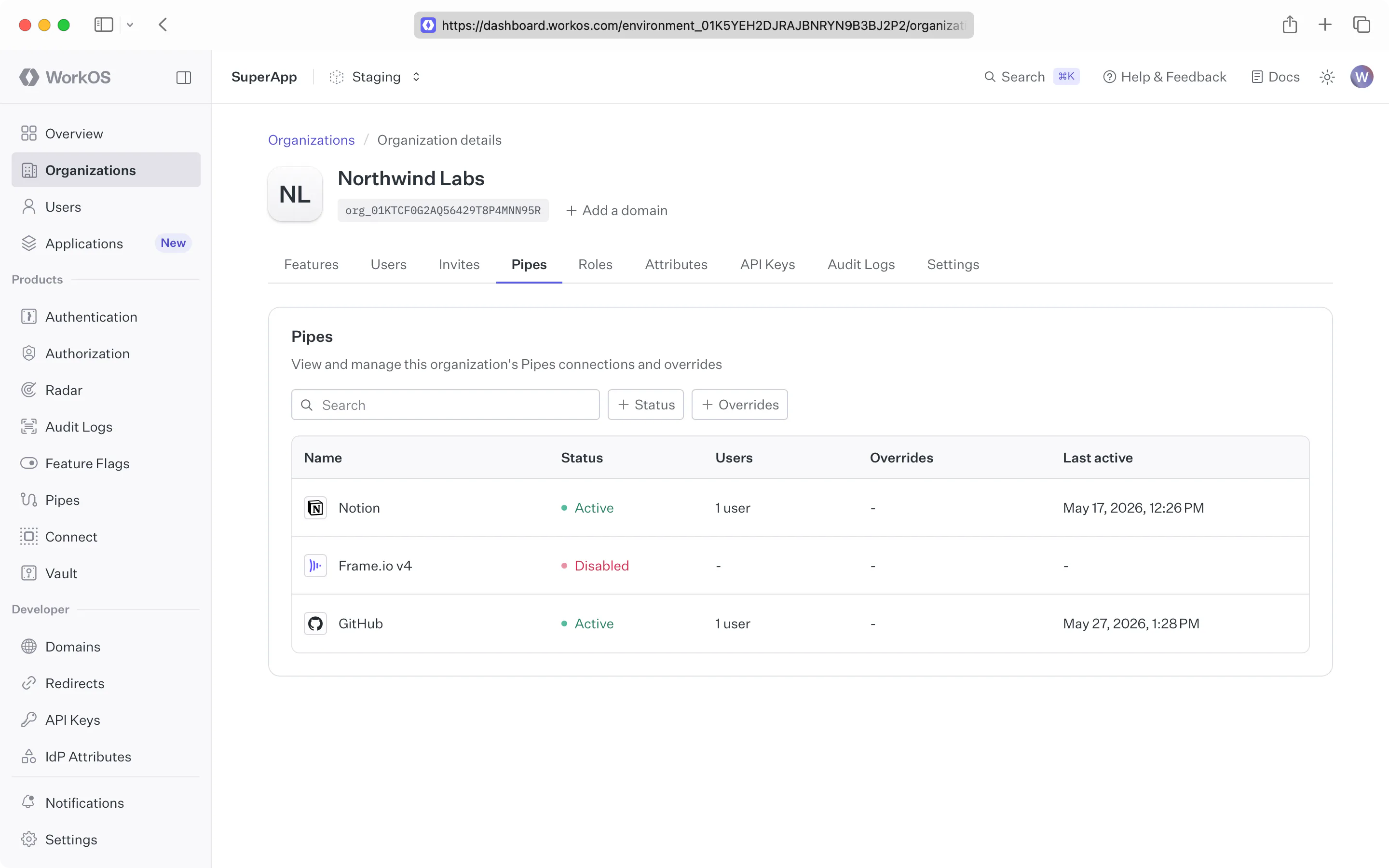
Open an organization’s Pipes tab to see the providers and overrides configured for it.