January Updates
WorkOS AI-powered Installer, Node SDK v8, new Pipes providers, & more

WorkOS AI-powered Installer
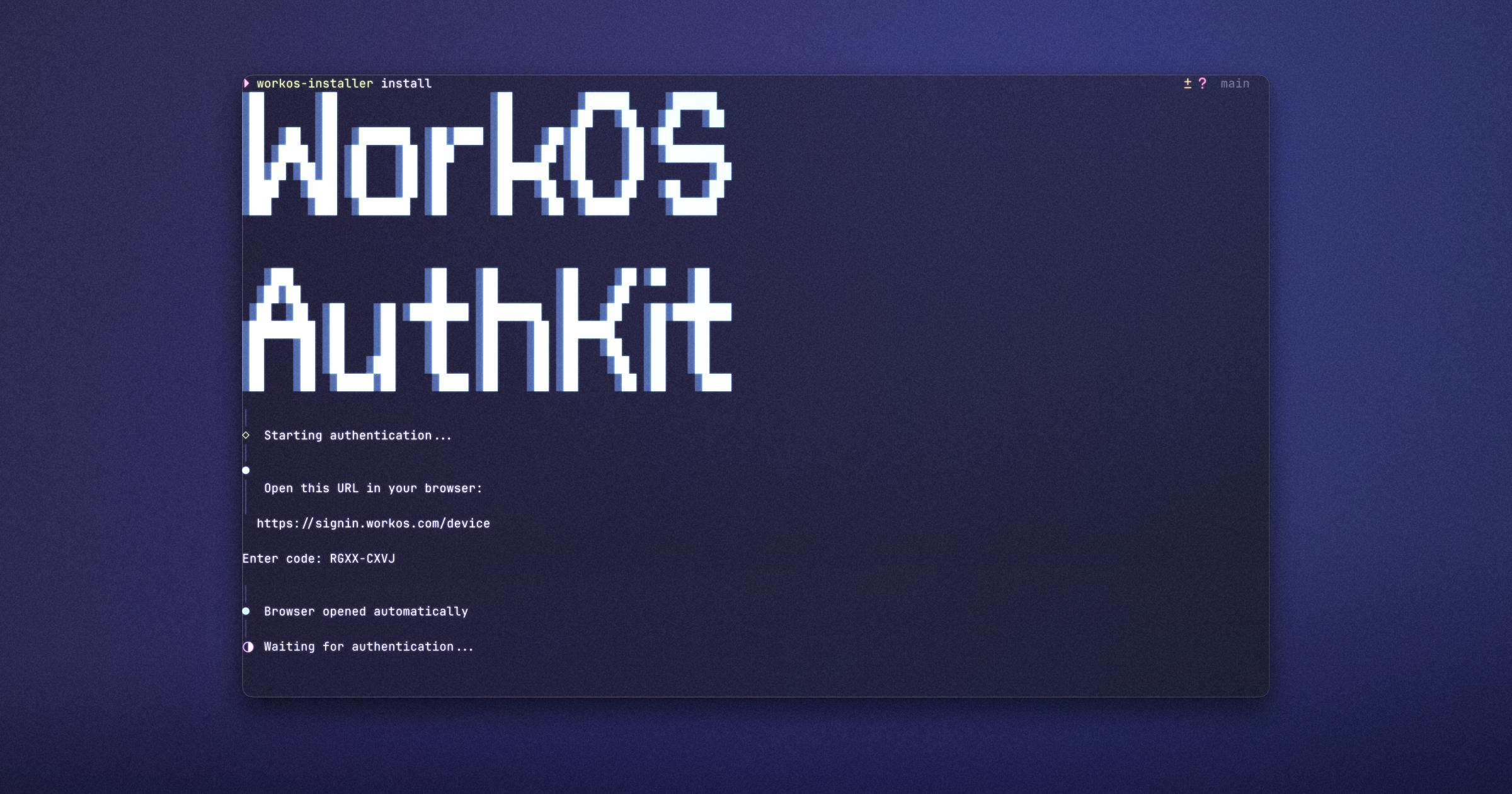
Integrating AuthKit is now a single command: npx workos. The AI-powered CLI wizard analyzes your project and automatically generates complete authentication scaffolding: sign-in/sign-out routes, session middleware, protected routes, and environment configuration.
The wizard supports Next.js, React, React Router, and TanStack Start. It detects your framework, package manager, and TypeScript setup automatically, then creates idiomatic code that matches your project's patterns. Credentials are stored securely and never logged.
Node SDK v8: PKCE Support and Improved Runtime Compatibility
The WorkOS Node SDK now supports PKCE authentication for public clients, enabling secure authentication in mobile apps, desktop apps, and single-page applications without exposing API keys. Version 8 introduces compile-time type safety with a new createWorkOS() factory, improves compatibility with modern JavaScript runtimes and edge environments, and ships with optimized dual ESM/CJS builds.
Nine new providers in WorkOS Pipes
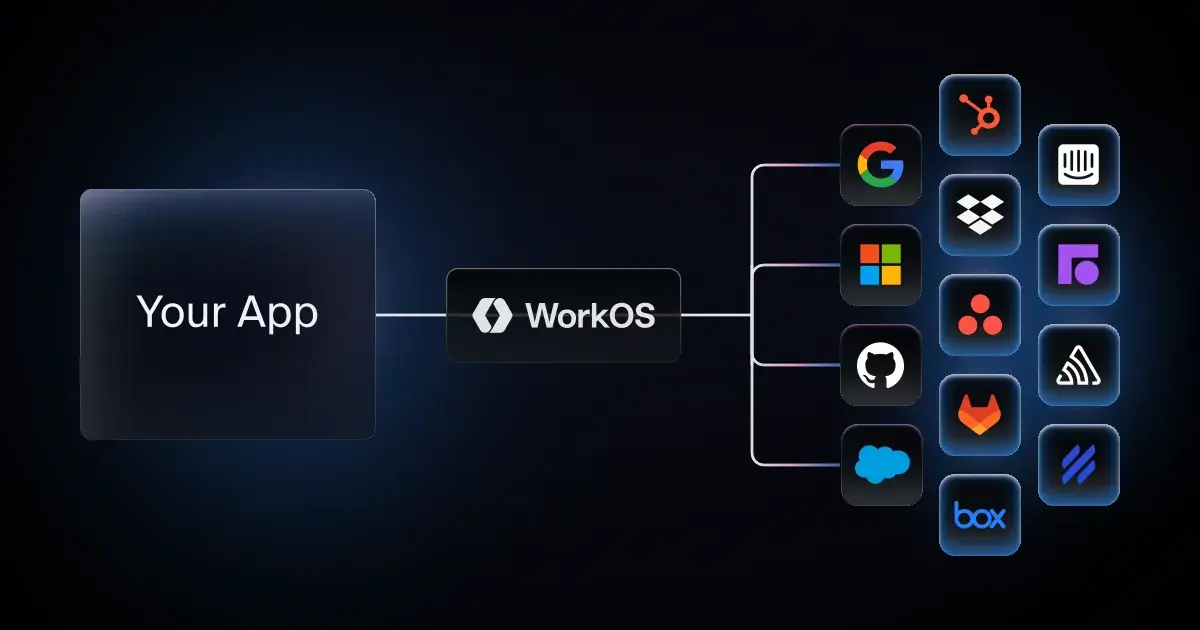
WorkOS Pipes now supports nine new providers including: Asana, Box, Dropbox, Front, GitLab, HelpScout, Hubspot, Intercom, and Sentry. Pipes allows users to connect their third party accounts to your application to enhance your product. Pipes takes care of OAuth integrations, token refresh, and credential storage, so you can focus on building your application.
JWT Templates in Connect for MCP and OAuth Apps
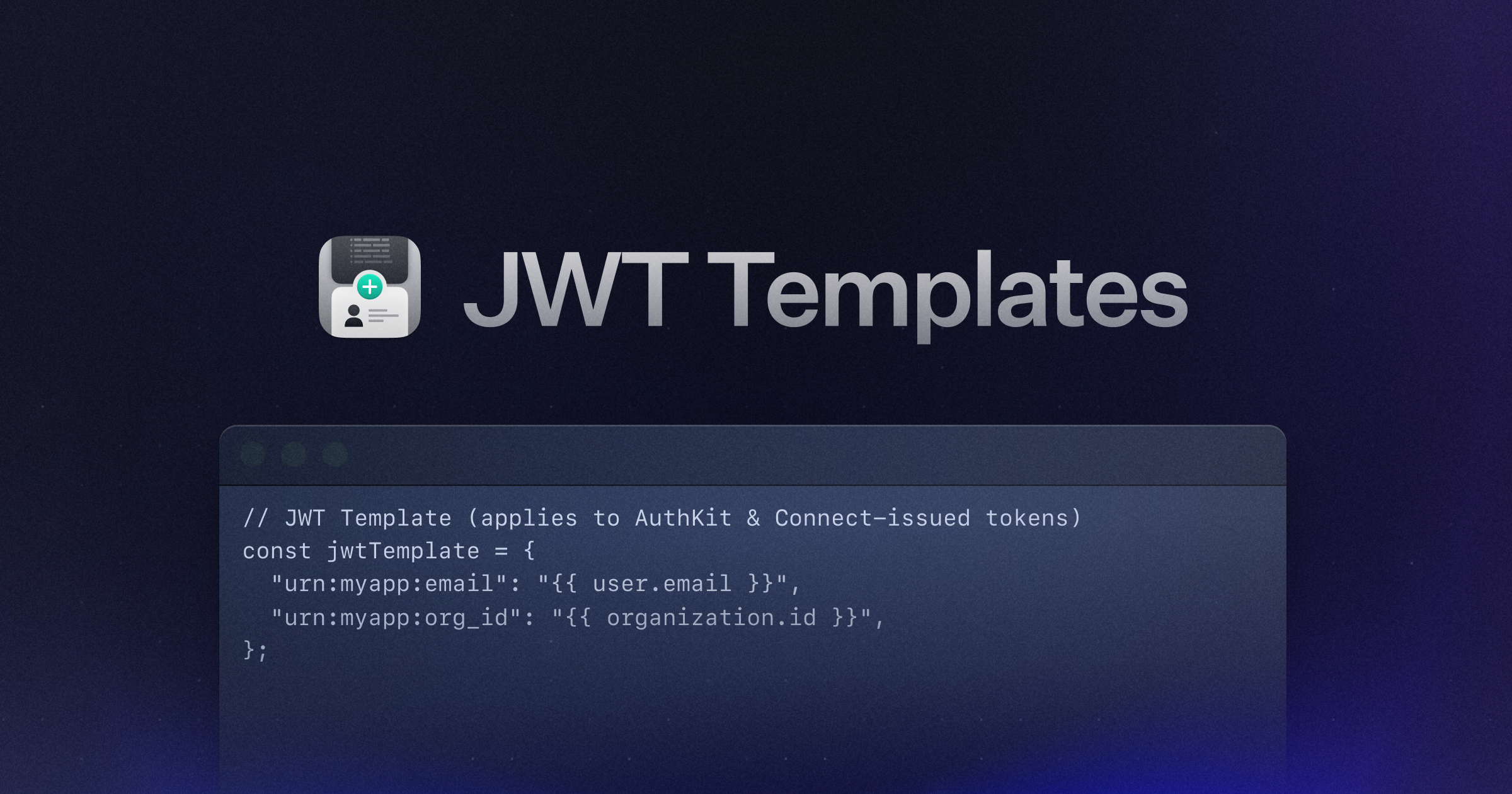
JWT Templates can now be used in Connect for MCP and OAuth applications. JWT Templates allow you to customize the contents of the JWT generated by AuthKit. This allows you to pass user or organization context to Connect applications like MCP servers or third-party SaaS services.
Microsoft Sentinel log streaming in Audit Logs
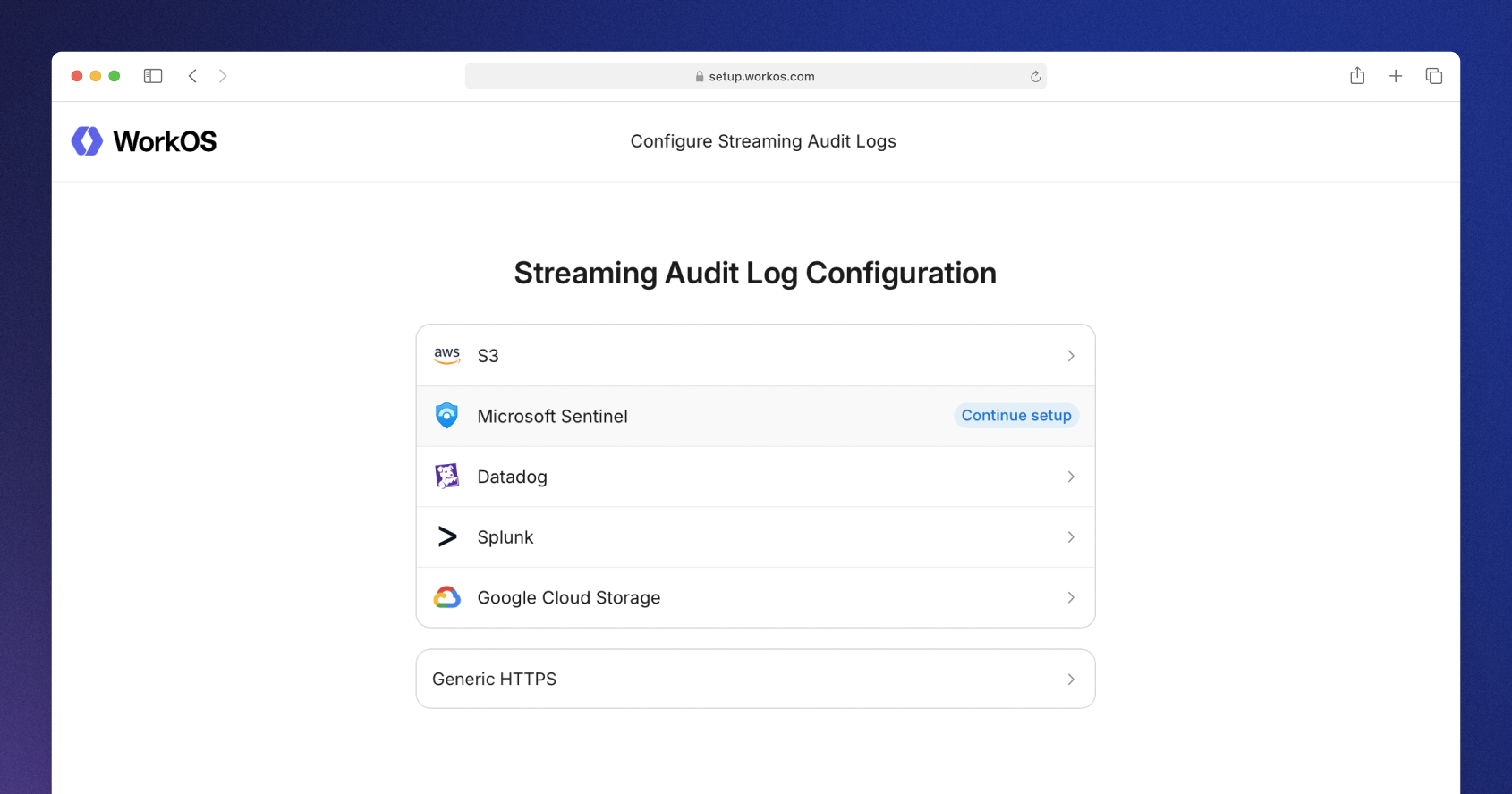
Audit logs now supports log streaming to Microsoft Sentinel. Log streams allow organization audit logs to be sent directly to the customer's SIEM (Security Incident and Event Management) provider. This allows customers to integrate audit logs from your product with all of their other logs. The Admin Portal provides easy setup for configuring and validating the connection to Microsoft Sentinel.
Explore log stream support →
More featured content
- Register for AI Night with The Pragmatic Engineer on February 9th in SF.
- Watch Acquired podcast co-hosts Ben Gilbert and David Rosenthal discuss building durable, category-defining companies.
- Manage organization API keys via the API, including creating, viewing, and deleting scoped keys.
- Read what drives successful AI applications, including the enterprise infrastructure behind products that scale.
- Use Intuit as a built-in authentication provider with AuthKit.