Workforce identity vs. customer identity: What changes?
How workforce and customer identity differ, how they connect in B2B software, and which team owns sign-in, membership, permissions, and access removal.

Workforce identity covers the people an organization employs or engages directly: employees and contractors signing in to internal tools. Customer identity covers the people who use your product, including people at your customers' companies. The employer manages access to its work systems; the product team manages access to its application.
The same person can appear in both. Consider a security engineer at one of your customers: she is an employee in her employer's directory. She is also a member of her company's organization, or tenant, inside your app. Each record holds different facts about her access. If you build B2B software, you are building customer identity that connects to your customers' workforce identity. Sign-in, provisioning, and revocation each involve both systems, and each needs its own handling on your app's side.
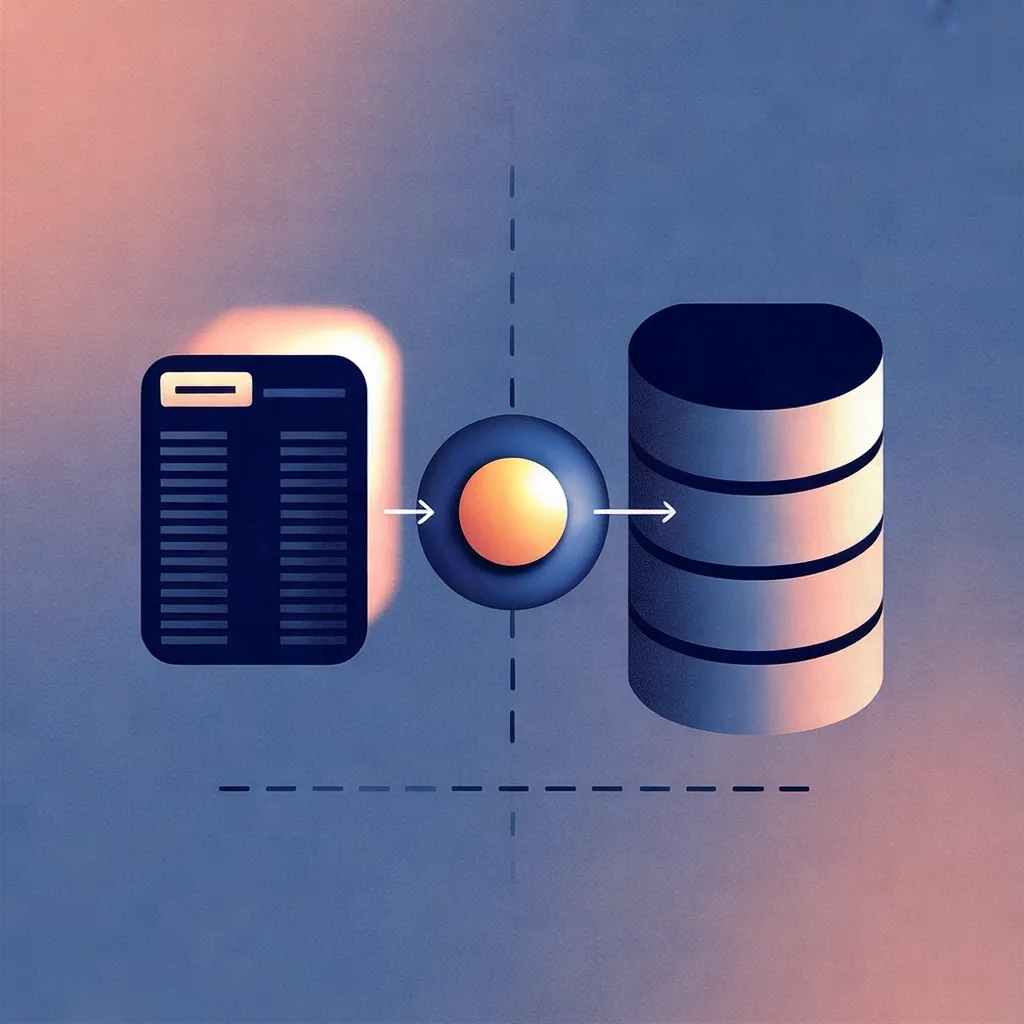
One person, two records: an employment record in the employer's directory on the left, a tenant membership inside the application on the right, with a federation link between them.
What workforce identity covers
Workforce identity manages access for an organization's own people. Okta describes its workforce product as a platform securing a company's employees, contractors, and partners, combining single sign-on (SSO), adaptive multi-factor authentication (MFA), lifecycle management, and identity governance. Microsoft's workforce tenant configuration similarly covers employees, internal business apps, and organizational resources. These are examples of how vendors package workforce identity.
The lifecycle Okta describes starts outside the identity system. Its lifecycle management syncs with an HR system, provisioning app access for new hires and revoking it when an employee leaves. Directories let IT contacts activate and deactivate accounts and create groups that inform access rules. The chain runs from an employment event to a directory change, and from there to access changes in the apps connected to that directory.
What customer identity covers
Customer identity and access management (CIAM) covers sign-in and account access for the people using your product. A consumer may register directly. A B2B user may arrive through an invitation or a connection to their employer's directory.
Microsoft Entra External ID, for example, offers self-service registration and customer account management. Its customer features run in an external tenant that is separate from the workforce tenant. That separation is a Microsoft design choice, not a requirement of CIAM in general.
The customer lifecycle differs from an employee lifecycle. It can begin with sign-up, an invitation, or directory provisioning. It can end when a customer closes an account, a customer organization removes a member in your app, or the person's employer withdraws access in its own systems.
How the two compare
| Workforce identity | Customer identity in B2B SaaS | |
|---|---|---|
| Who it covers | Your employees, contractors, and partners | People at your customer organizations |
| Lifecycle source of truth | Often an HR system feeding your directory | Customer's directory for synced users; your app for memberships managed directly |
| Enrollment | IT or automated provisioning creates the account | Self-service sign-up, an invitation, or provisioning from the customer's directory |
| Organization boundary | Your own organization | Many customer organizations in one app |
| Authentication | Your identity provider (IdP) and its policies, such as MFA | Your app's sign-in, optionally federated to the customer's IdP |
| Authorization | Which internal systems a person can reach | What a member can see or change in your product |
| Offboarding | Deprovision in the directory; each connected app must end its own sessions | End membership and revoke the associated sessions and credentials |
One person, two records
Go back to the security engineer. Her employer owns one set of facts about her: that she is employed, what her corporate credential is, and whether she may use your product at all. Your app owns a different set: her membership in the customer's tenant, the role that membership carries, and whether her current session is still valid.
Neither record is a copy of the other. In WorkOS, Directory Sync determines membership for people the directory knows about, and mapping IdP groups to roles in your application keeps memberships and role assignments current. The directory supplies the signal, and your app decides what that signal means inside your product.
Where the two connect
Customer identity in a B2B app can connect to a customer's workforce identity at two points: sign-in and directory data.

A conceptual illustration of the overlap: the same identity is recognized on both sides, while each organization arranges and manages its own access independently.
At sign-in, the customer's corporate account can be the credential your app accepts. Sign-in methods in a Microsoft external tenant include Microsoft Entra ID and custom OpenID Connect (OIDC) identities alongside passwords and one-time passcodes. WorkOS SSO authenticates users through an organization's identity provider and works with IdPs that support Security Assertion Markup Language (SAML) or OIDC. In WorkOS, a Connection represents how a group of users, typically in a single organization, signs in to your application.
WorkOS frames organization access around two questions: who is allowed to authenticate and how, and who becomes a member of the organization and how. An SSO connection answers the first. It describes how a person proves who they are, and on its own it does not decide whether that person should have access. The WorkOS SSO API, for example, acts as authentication middleware and intentionally does not handle user database management for your application. SSO can be paired with just-in-time (JIT) provisioning, which creates an account or membership when someone first signs in. Either way, the application still needs user and membership records it can use to enforce access changes.
Directory Sync answers the second question. It treats the customer's directory provider as the source of truth for their user and group lists. The System for Cross-domain Identity Management (SCIM) protocol is one way to carry account creation, updates, and deletion. Directory Sync supports a range of directory providers.
SSO and Directory Sync sit on your app's side of the boundary and connect customer organizations to your application. Supporting them does not make your app a workforce IdP, and they do not replace the IdP your customer runs. Your app relies on that IdP to authenticate the customer's users.
The CIAM vs. IAM post covers the same split using those labels. For how membership works inside a multi-tenant app, see how WorkOS decides organization access and how to model multi-tenant B2B apps with WorkOS organizations.
Revocation happens in more than one place
Microsoft's guidance on revoking access distinguishes the identity provider's credentials from sessions issued by an application. Entra ID cannot directly revoke a session token that the application issued. The application has to enforce the access change.
Token expiration and provisioning schedules can each delay when access actually ends, depending on the application. A completed admin action does not by itself prove that every app has ended access. Microsoft recommends automating deprovisioning and having applications revoke their own sessions and stop accepting otherwise-valid access tokens after access is withdrawn.
For your product, identify which event ends a membership and which code then invalidates its sessions and credentials. Test that path separately from successful sign-in.
Contractors and other outside users
Contractors appear on both sides. Okta counts contractors in the workforce population, and Microsoft supports inviting external business partners and guests into a workforce tenant.
Inside a B2B app, a contractor may sign in with an email address outside the customer's verified domain, such as a personal address. WorkOS JIT provisioning does not add someone from an unverified domain automatically; that person has to be invited first. In WorkOS, a directory-provisioned user whose email domain is not in the organization's domain policy is created with a pending membership and receives an invitation to complete the join. An invitation is an explicit grant: someone with access to the organization decides that a specific email address should join, whatever its domain.
Which one you need
Start with whose access you are responsible for:
- Your employees and contractors using work systems: evaluate workforce identity. Look at the directory, sign-in policies, and processes for joining, changing roles, and leaving.
- People using your product: evaluate customer identity. Your application needs a membership and permission model, whether users sign up, accept invitations, or arrive through a customer's directory.
- Both your staff and your customers: make two decisions. A product can offer capabilities for both, but each population has its own account lifecycle and access rules.
For a B2B app connected to a customer's identity systems, the customer's IdP authenticates the person and its directory supplies user and group data. Your application decides how that data affects membership and permissions, then enforces those decisions.
For each product you evaluate, check which of these it actually covers: authentication, provisioning, authorization, session management, and revocation. A product that handles one of them does not automatically handle the others. In particular, confirm which component ends a session in your app when a customer's directory removes someone.