March Updates
WorkOS CLI for agents, Multiple application support, AuthKit Analytics, Pipes MCP, Widget Skills, & more.

WorkOS CLI
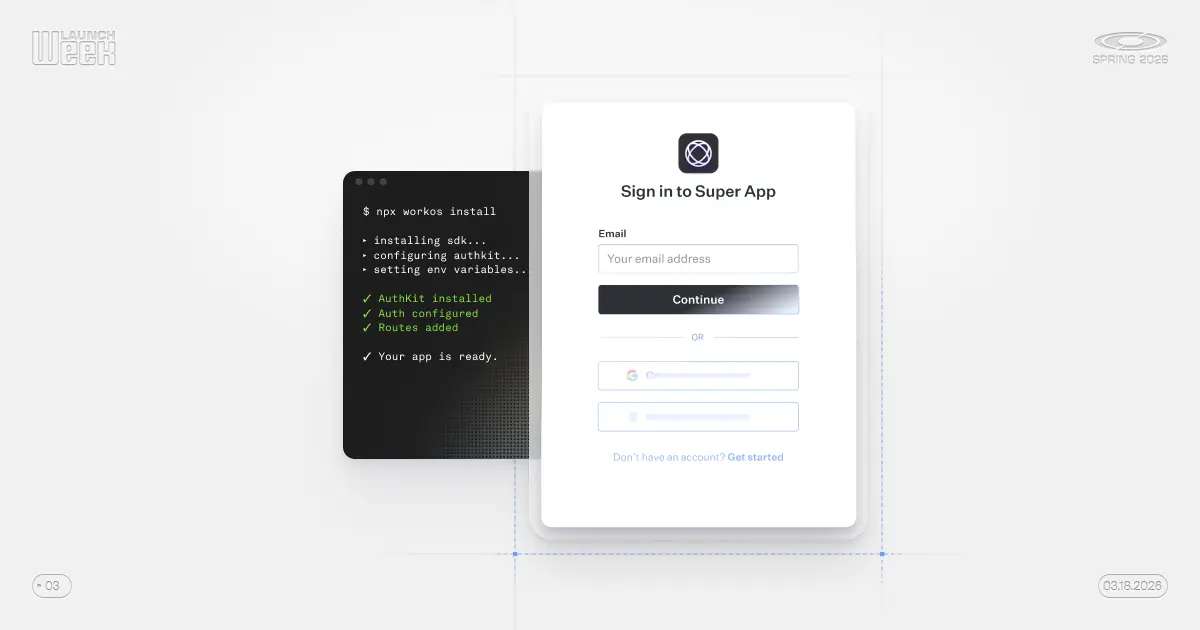
Turn your coding agent into a WorkOS expert.
WorkOS Skillsallow your agent to understand your app and how to use WorkOS without pasting context or linking to docs.- Setup without signing up - Get integrated before needing to register an account.
- Find and fix issues with WorkOS in your application with
WorkOS Doctor. - Complete configuration management, no dashboard required, with the WorkOS CLI.
- Define your WorkOS environment in code with
workos seed. - Agents can now fetch resources directly via the WorkOS CLI.
Get started with npx workos@latest. Read more about these capabilities in the blog post or watch the demo.
Multiple Applications
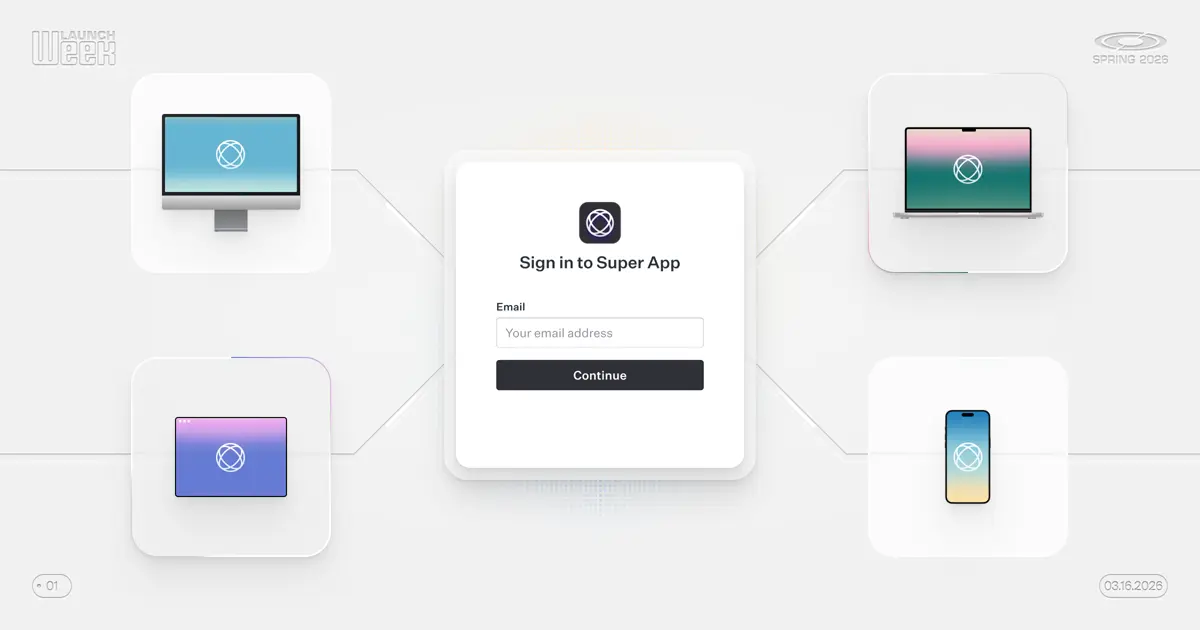
Manage identity and users across all your apps with support for multiple applications. Every application gets its own client ID, redirect URIs, session policies, and credentials while sharing the same users and organizations.
Configure session lifetimes per application so mobile sessions stay signed in longer while keeping web sessions shorter. Password resets and sign-in flows automatically return users to the correct application.
Reach out if you're interested in managing multiple applications, and preview the experience in the demo.
Learn more about multiple apps →
AuthKit Analytics
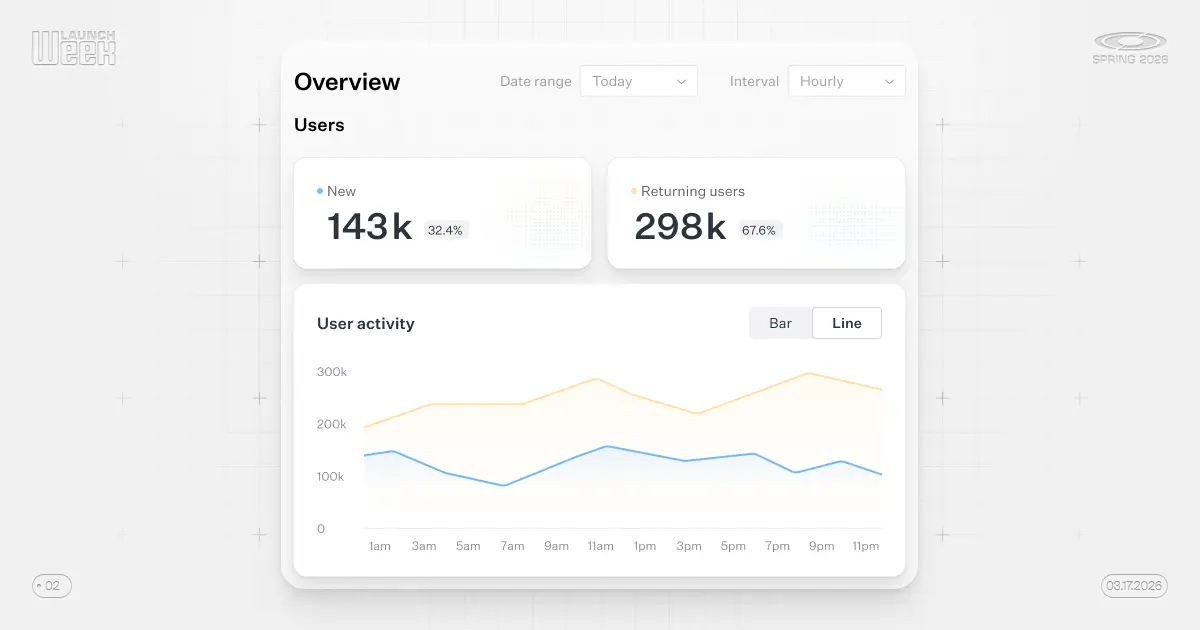
See how users are using your app with AuthKit Analytics. Track daily, weekly, and monthly active users, new vs. returning users, and organization activity with no additional setup or third-party tools required. Available directly in the WorkOS Dashboard under Authentication.
Read more in the blog or see how it works in the demo.
Pipes MCP
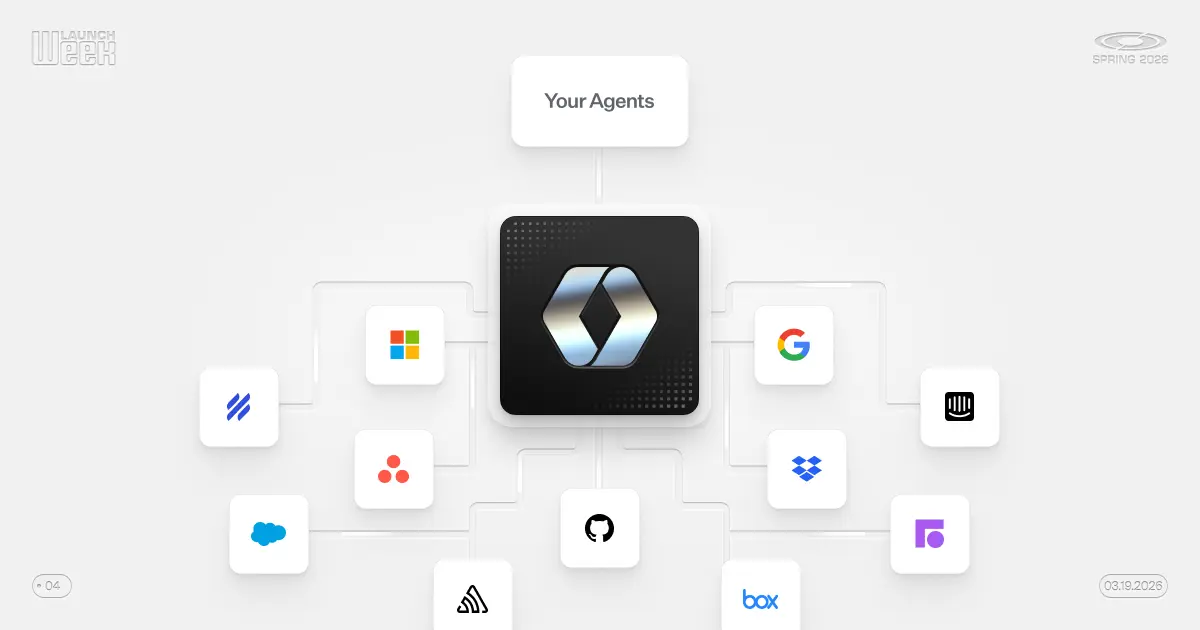
Pipes MCP is a deployable MCP server that gives agents time-limited access to third party data connections.
If you use Pipes to connect to Google Workspace, Github, Slack, or other third-party providers, Pipes MCP exposes those connections as discoverable tools via MCP. The difference from using Pipes directly is that agent access is scoped to a session, not to the lifetime of the OAuth token. Users can approve the agent's initial access and changes to that access as the agent works.
Learn more in the blog and watch the demo to see it in action.
Widget Skills
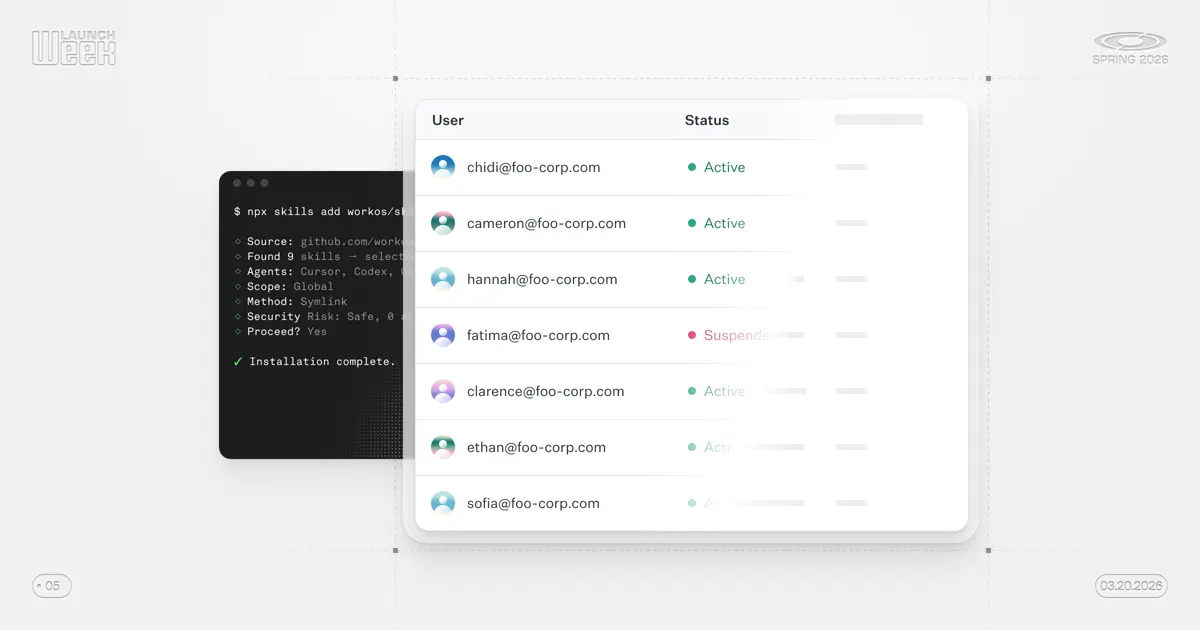
Widget Skills let AI agents generate app-native implementations of WorkOS workflows like user management, domain verification, and SSO setup. The output is built for your framework, styled with your design system, and checked into your codebase.
Instead of embedding a Widget component, point your coding agent at Widget Skills and get a working implementation built on the same underlying APIs. The output is your code to own and extend.
Get started with npx skills add workos/skills or learn more in the blog. See the output in a demo video.
More featured content
- Debug JWTs in your browser with the WorkOS JWT Debugger.
- Learn how to secure MCP servers with WorkOS AuthKit in a step-by-step video tutorial.
- The WorkOS API is now fully described by an open-source OpenAPI specification.
- Embed the new Directory Sync and Log Streaming widgets in your app.
- Edit user and organization metadata, including external IDs, from the dashboard.