June Updates
Projects & Branding per Environment, API Gateway, WorkOS MCP, & more

Projects & Branding per Environment
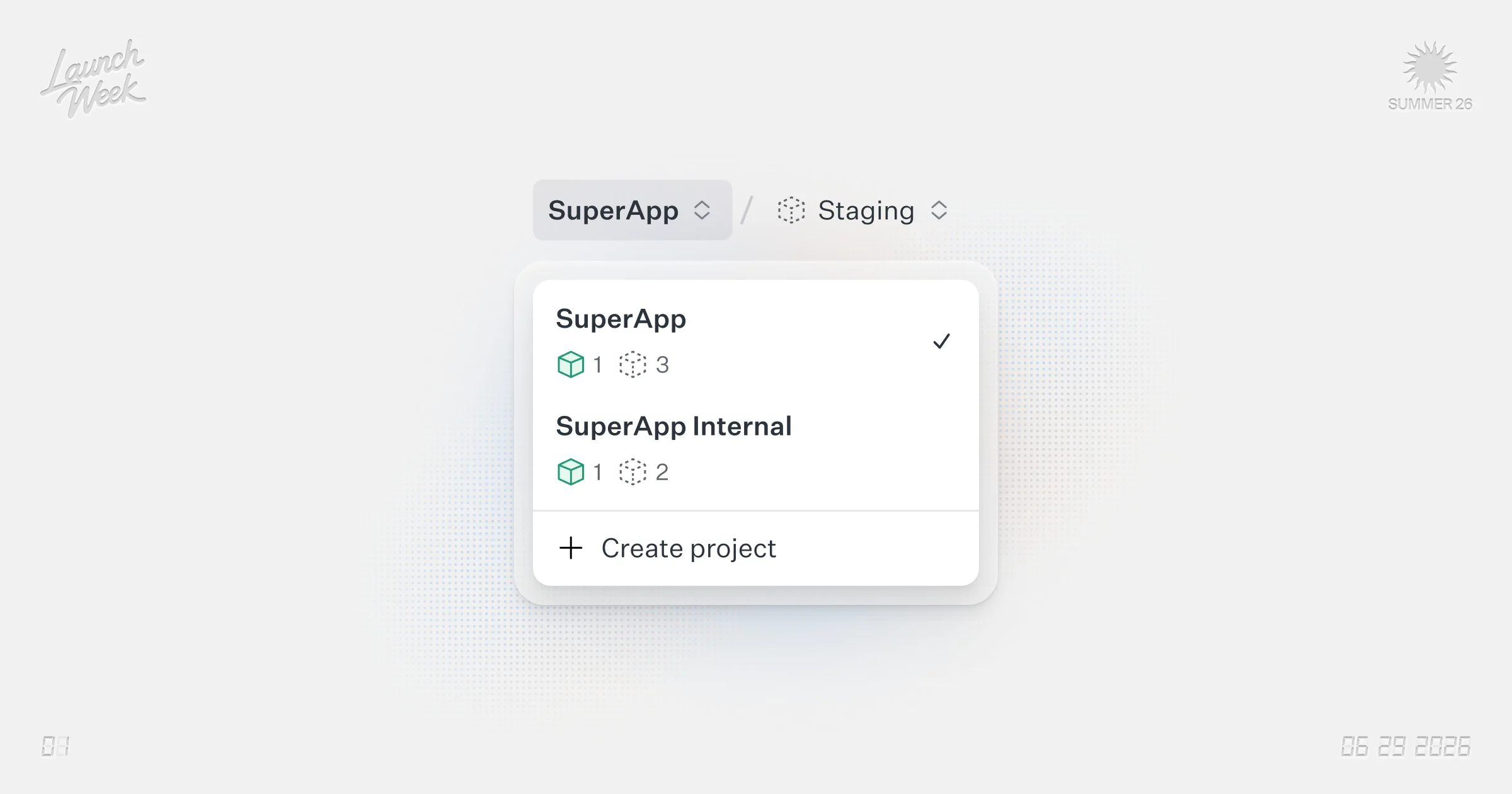
WorkOS now lets you organize environments into Projects and give each environment its own branding. Projects group your environments (development, staging, production) under a single resource making it easier to track which environments go together. You can move environments from one project to another as your needs change.
Each environment now can have its own branding: logo, colors, fonts, display name, and custom CSS. This let's you differentiate staging from production or brand different products independently. See how easy it is to promote changes and copy branding from one environment to another.
API Gateway
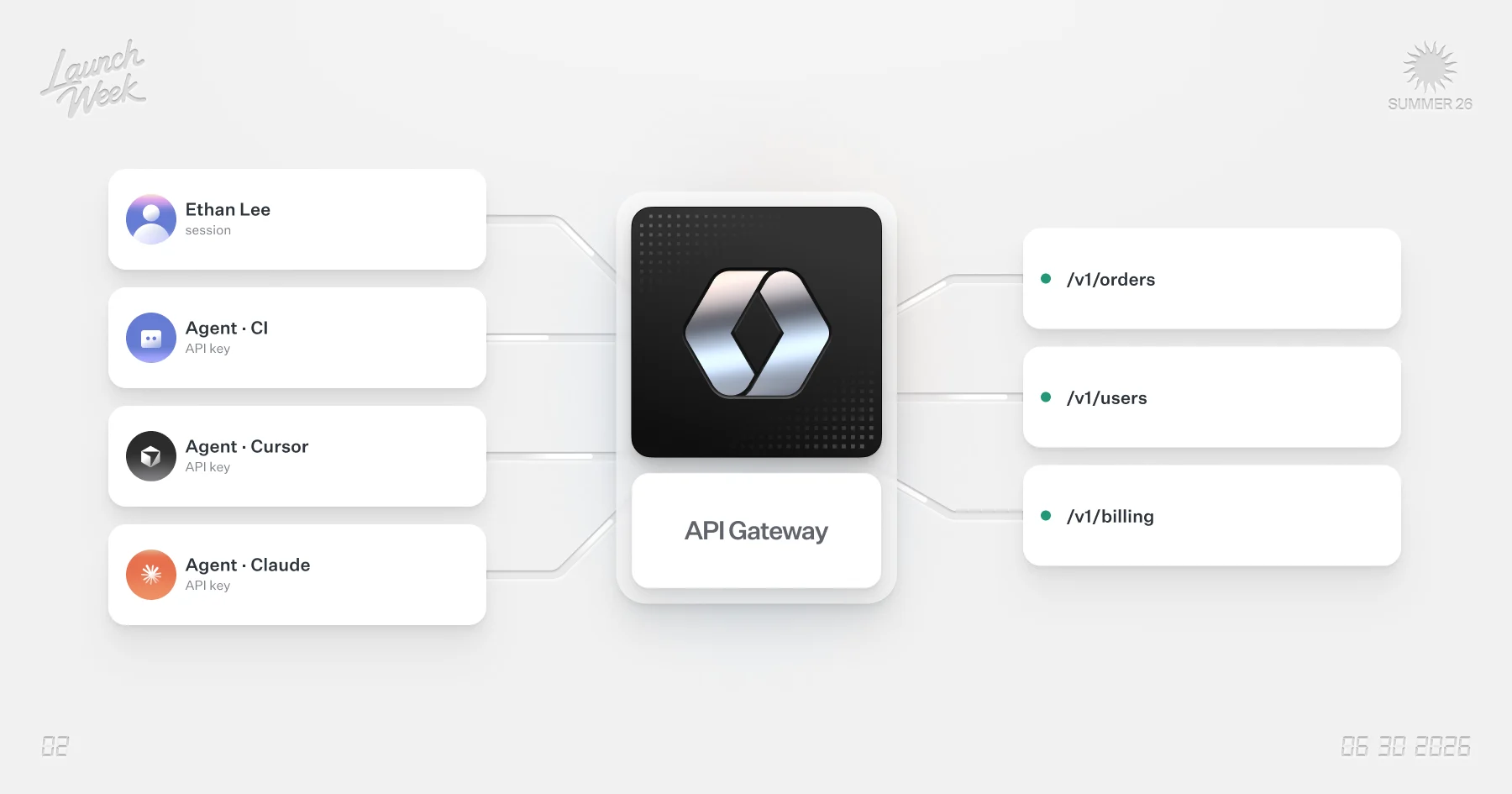
The API Gateway verifies API Keys at the edge and swaps them for a JWT carrying user and organization information. This avoids your backend from needing to implement two validation flows: one for users and one for api keys.
Your backend reads the claims off the JWT, the same way it does for AuthKit sessions. You no longer need to call out to the WorkOS API to verify the API key, which reduces latency. Your code is simpler with only one auth pattern instead of two. See how quick it's implemented and reach out for early access.
WorkOS MCP
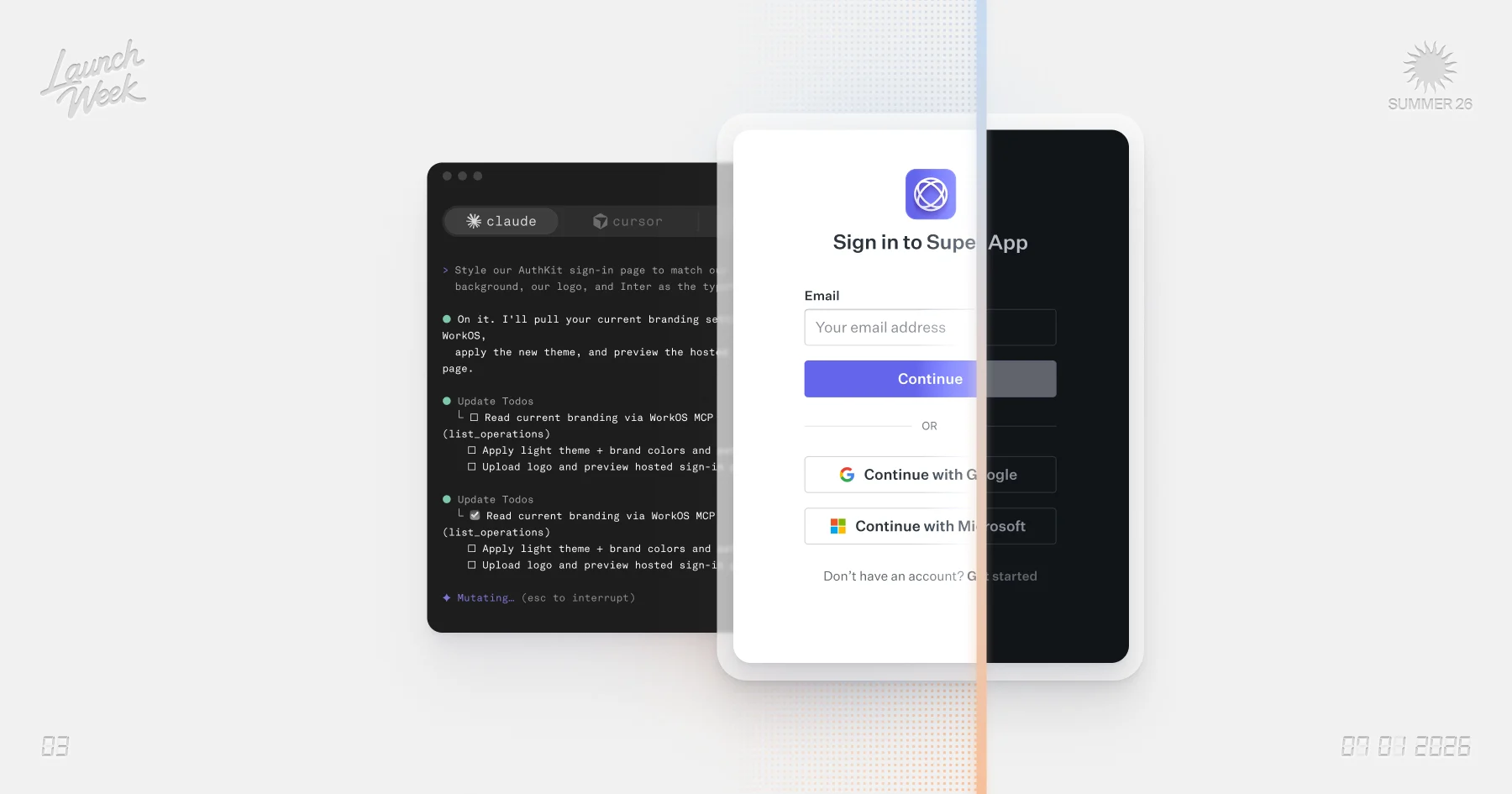
The WorkOS Management MCP server exposes hundreds of operations across the product to manage WorkOS. Now your agent can integrate, debug, or customize your WorkOS implementation. Give the agent a screenshot or mock-up of your desired login page styling and it will set it up in WorkOS for you. Watch how easy it can be.
Setup is simple, and it works with Claude, Cursor, ChatGPT, or any client that supports remote MCP. Team admins have full control over how their team uses it. They can turn MCP access on or off, and independently control whether it can access production environments or modify configuration.
Step-up Auth
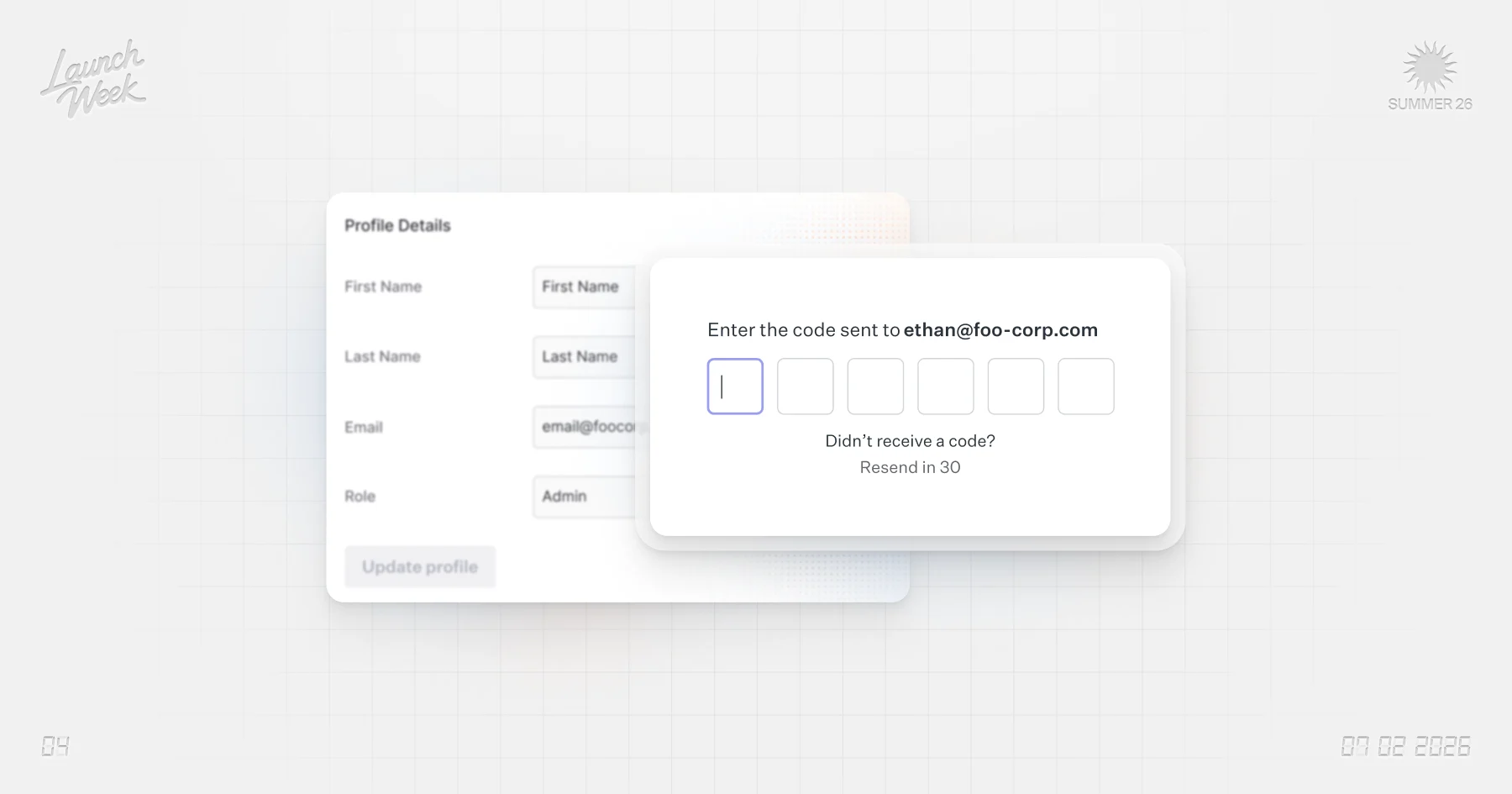
AuthKit now supports step-up authentication, which makes a user re-verify their session before performing a sensitive action. Most auth systems trust every action in a session equally. Reading data and deleting an account are treated the same even though the risk is vastly different. A user who signed in eight hours ago carries the same trust as one who just proved who they are. Step-up authentication closes that gap by requiring the user to re-authenticate their identity. Watch it in action.
You decide which actions require a step-up, commonly things like changing billing, revoking API keys, or other destructive operations. You send the user through a step-up flow where AuthKit re-verifies them, then hands you fresh session confirming the identity is current. AuthKit picks the right method based on what the user has enabled, like SSO or 2FA. The session stays intact, and every step-up emits an event you can log or act on.
Widgets API
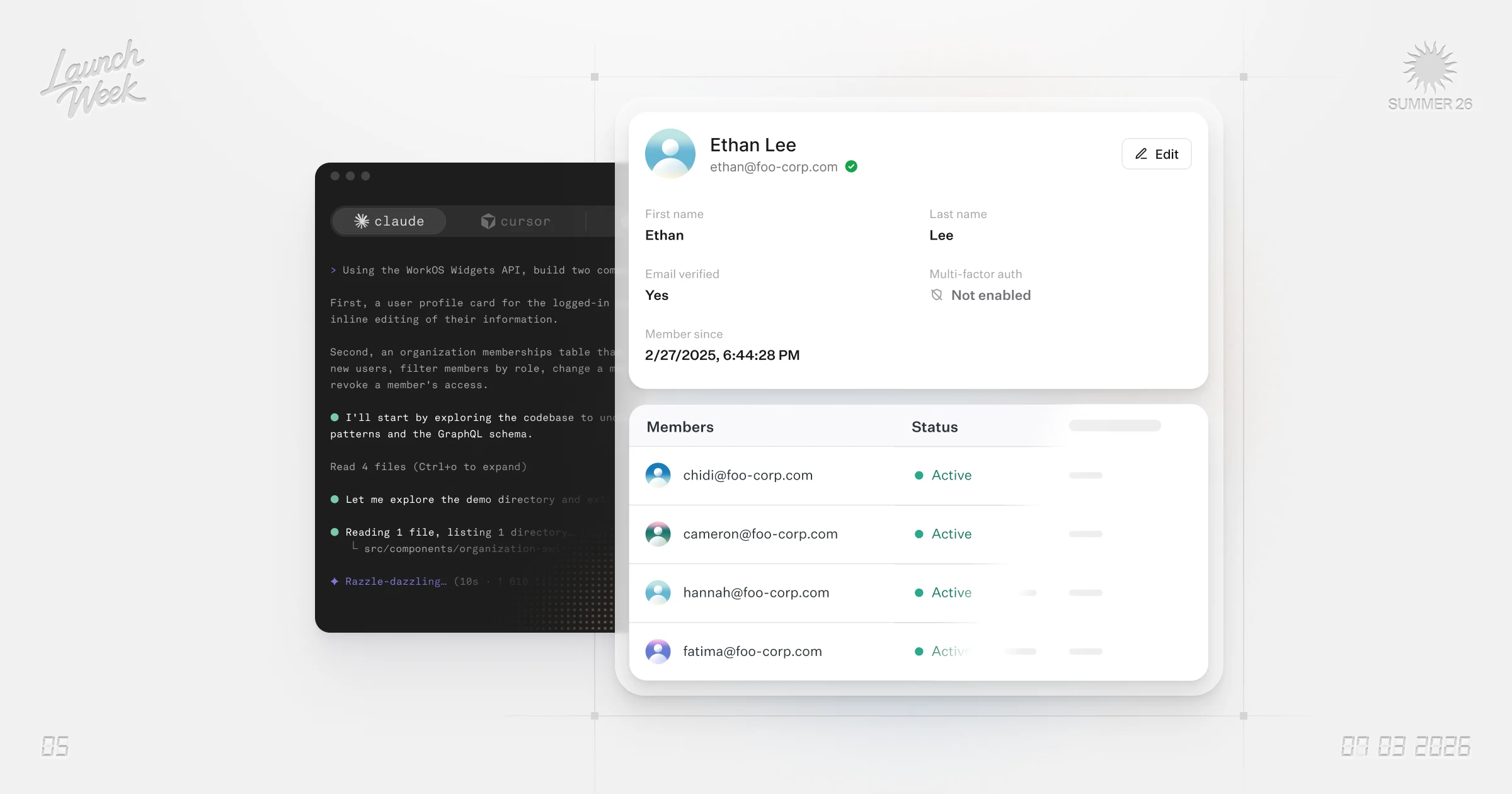
Query WorkOS data straight from the browser with the Widgets API, a session-aware GraphQL API you can build UI with directly. Fetch a user's details, roles, and sessions in one request instead of three REST calls.
Maintain full control over markup and behavior, unlike prebuilt Widgets, which are fast but only themeable. Covers user management, sessions, and profile data today, with more coming. Check out how fast you can build and reach out for early access.
More featured content
- Configure custom providers in Pipes to connect any compatible data source to your application.
- Assign roles to groups so every current and future member automatically inherits the group's roles and permissions.
- Add a waitlist to your AuthKit signup flow to collect signup requests and review them before allowing registration.