Multi-Factor Authentication
Add an additional layer of security to your application.
Multi-Factor Authentication (MFA) is an additional method of securing your application. MFA adds a layer of security during sign in that requires a user to provide an additional time-based one-time password (TOTP).
Hosted AuthKit’s built-in MFA uses authenticator-app codes (TOTP), not SMS. For SMS-based MFA, use the standalone MFA API, which supports US phone numbers only. This is a separate integration: your application manages factor enrollment, challenges, and verification rather than AuthKit handling the flow automatically.
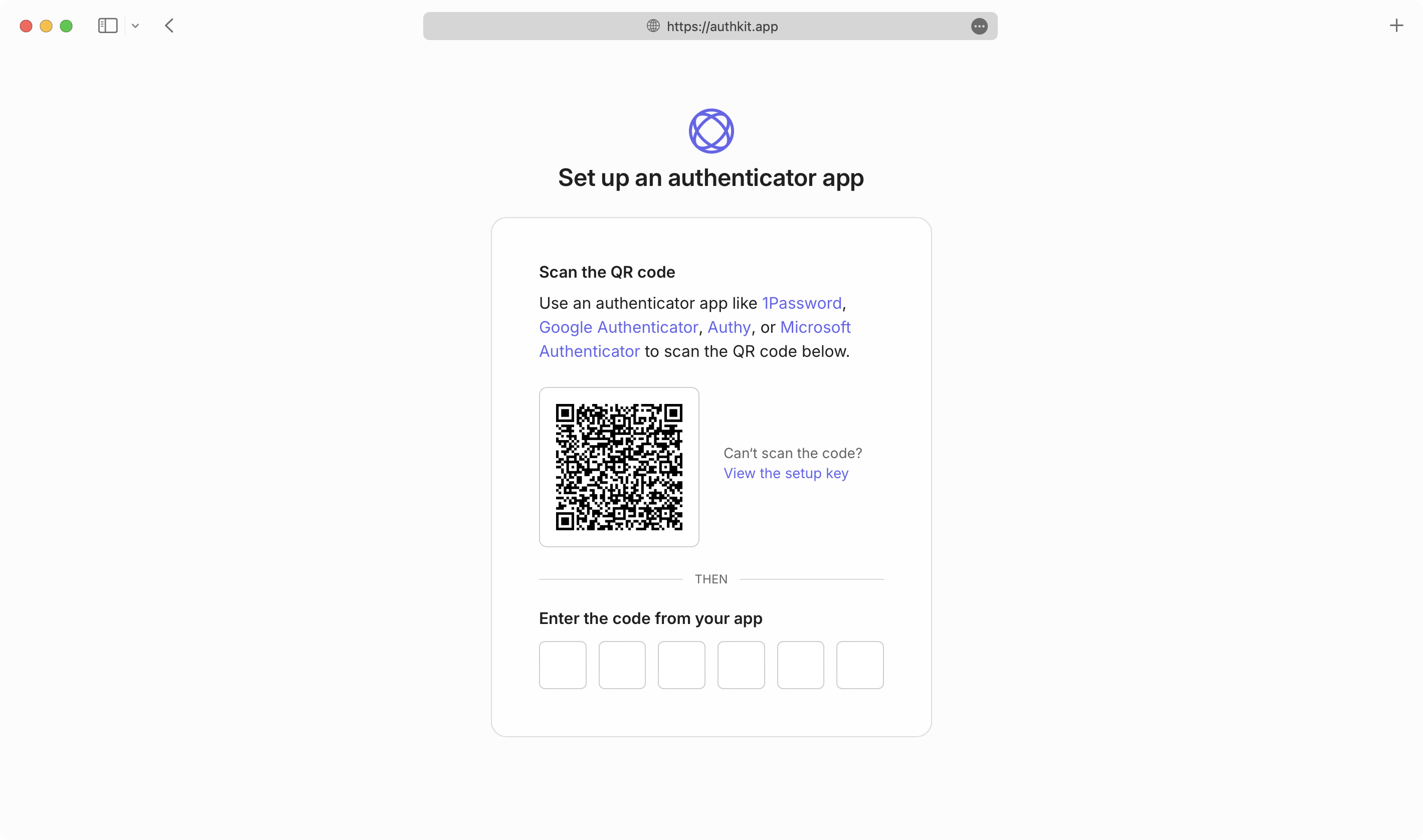
AuthKit will make the necessary API calls to handle first-time configuration of users’ MFA factors automatically, and validate one-time codes as part of the authentication flow.
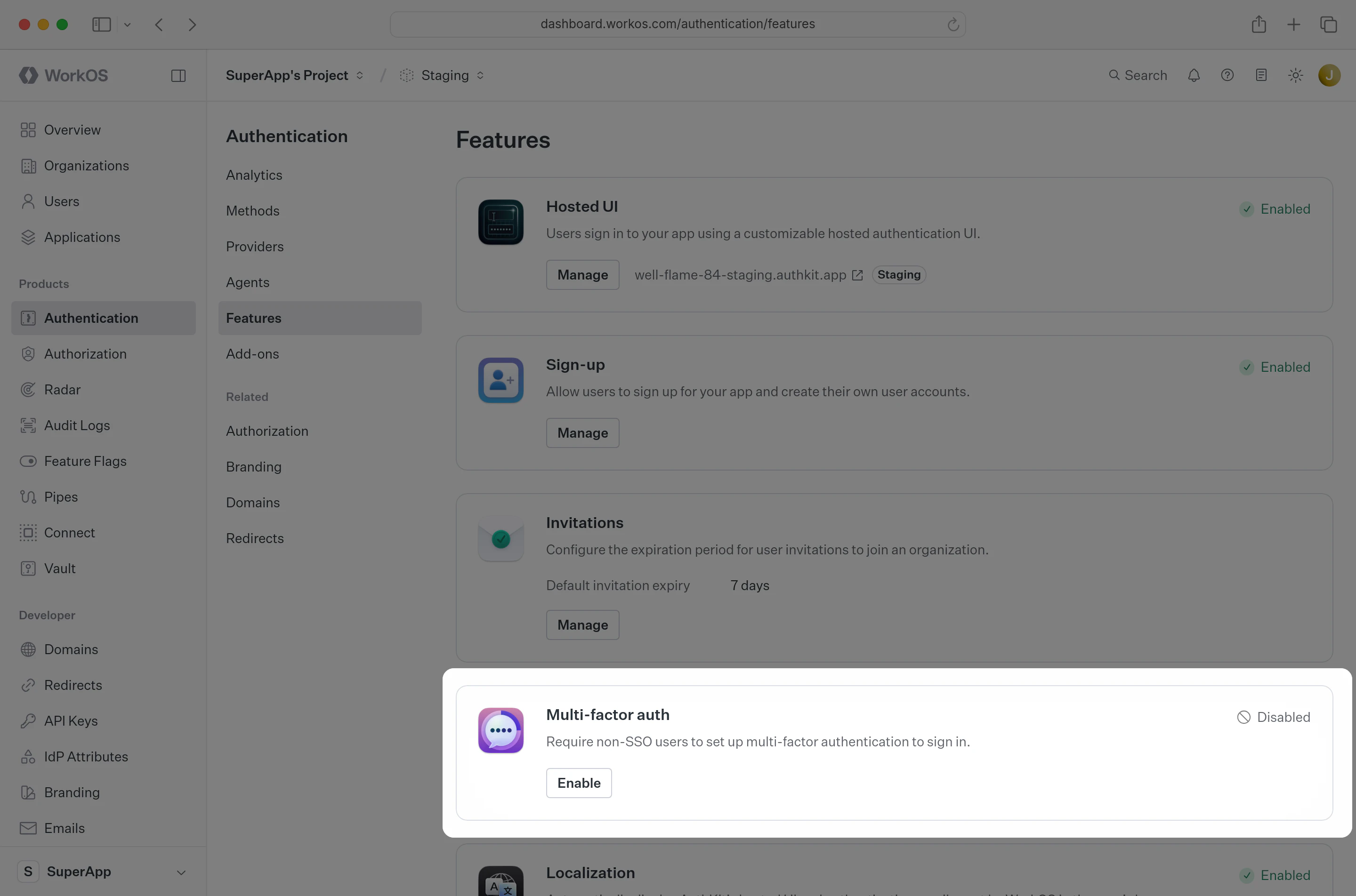
In the WorkOS Dashboard, open Authentication → Features and select Enable on the Multi-factor auth card. In the dialog, select Required, then select Save changes. New and existing users will be required to set up multi-factor authentication with an authenticator app that supports one-time passcodes before they can sign in.
If you’d prefer to build and manage your own authentication UI, you can do so via the AuthKit Multi-Factor API.
Examples of building custom UI are also available on GitHub.